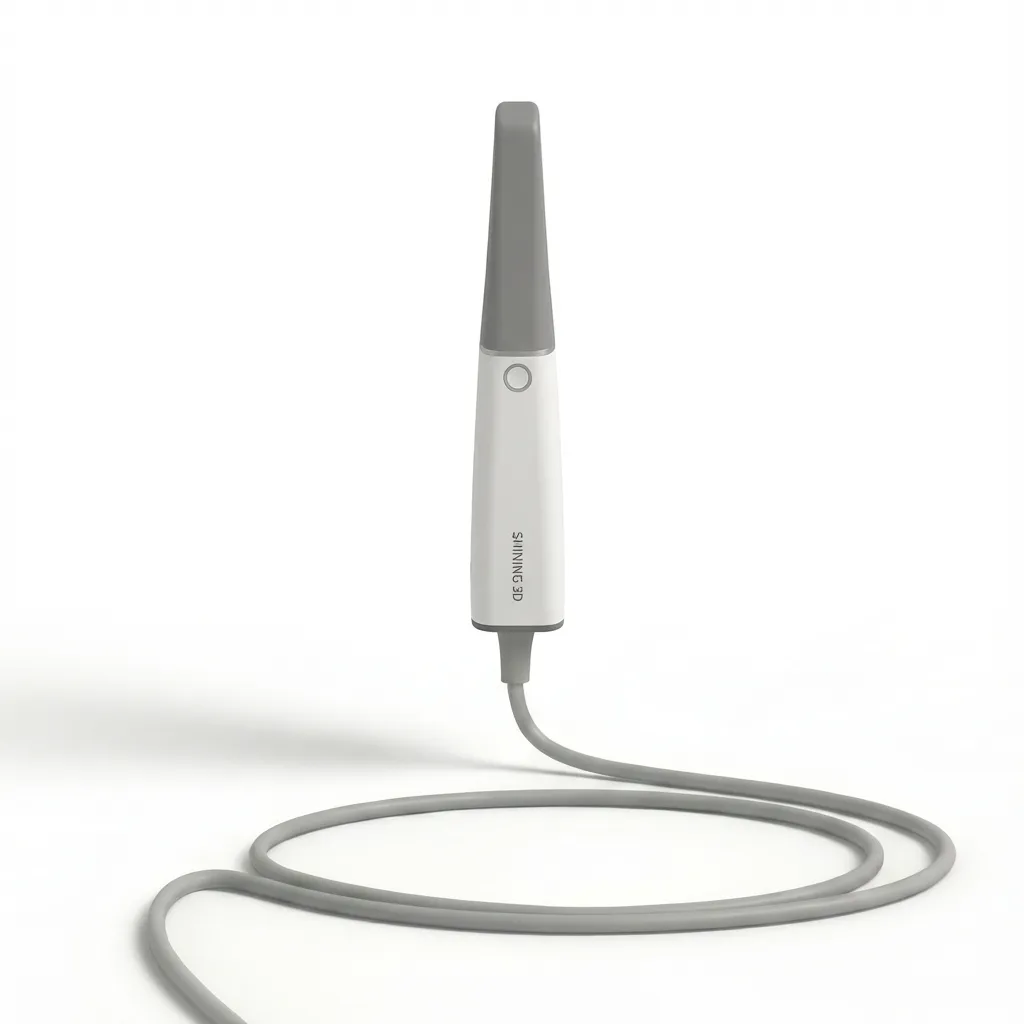
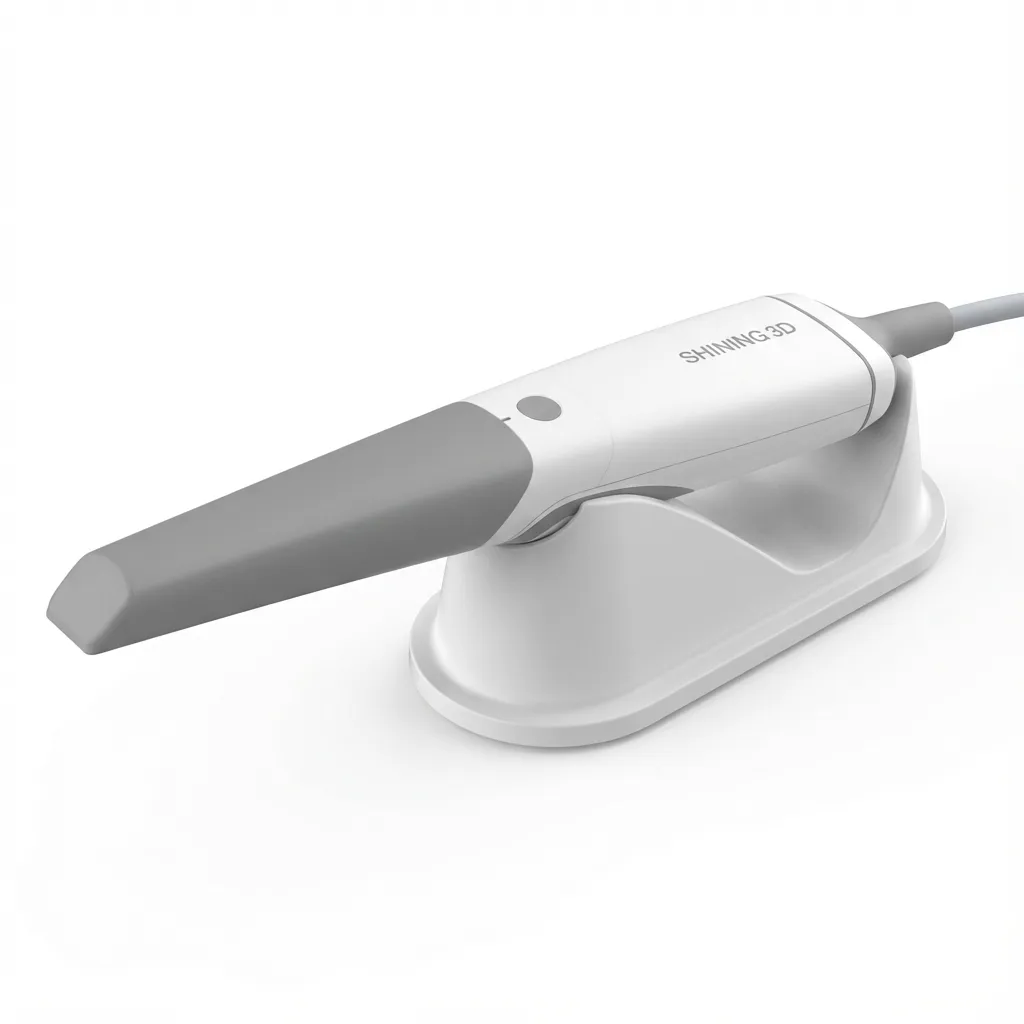
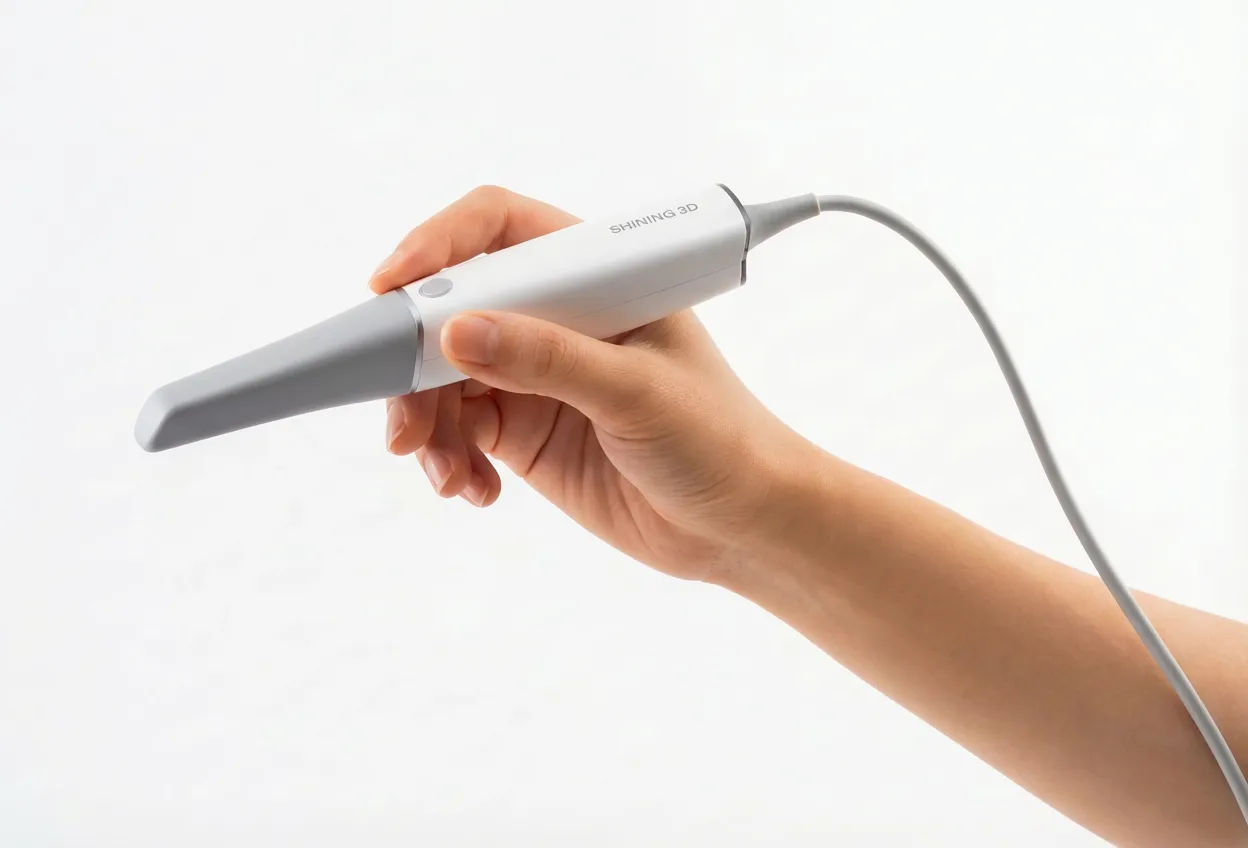
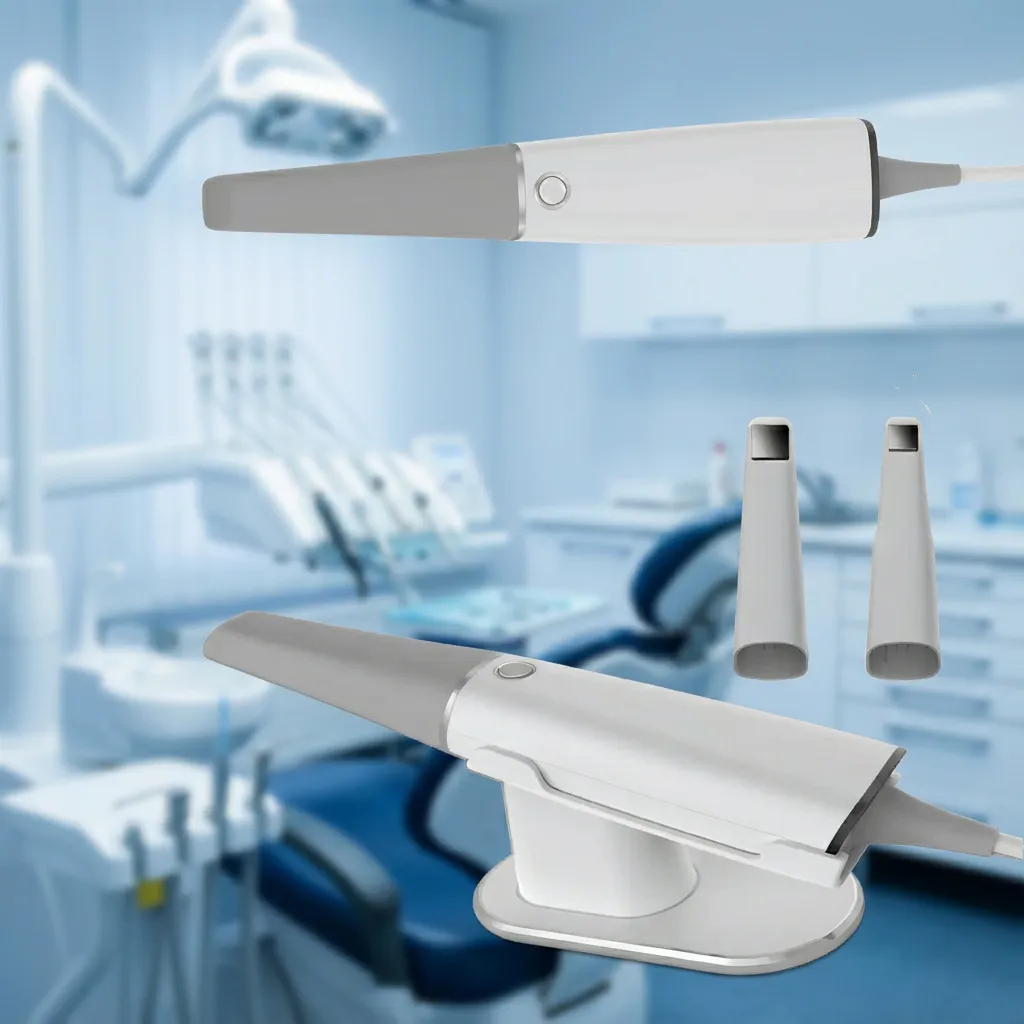
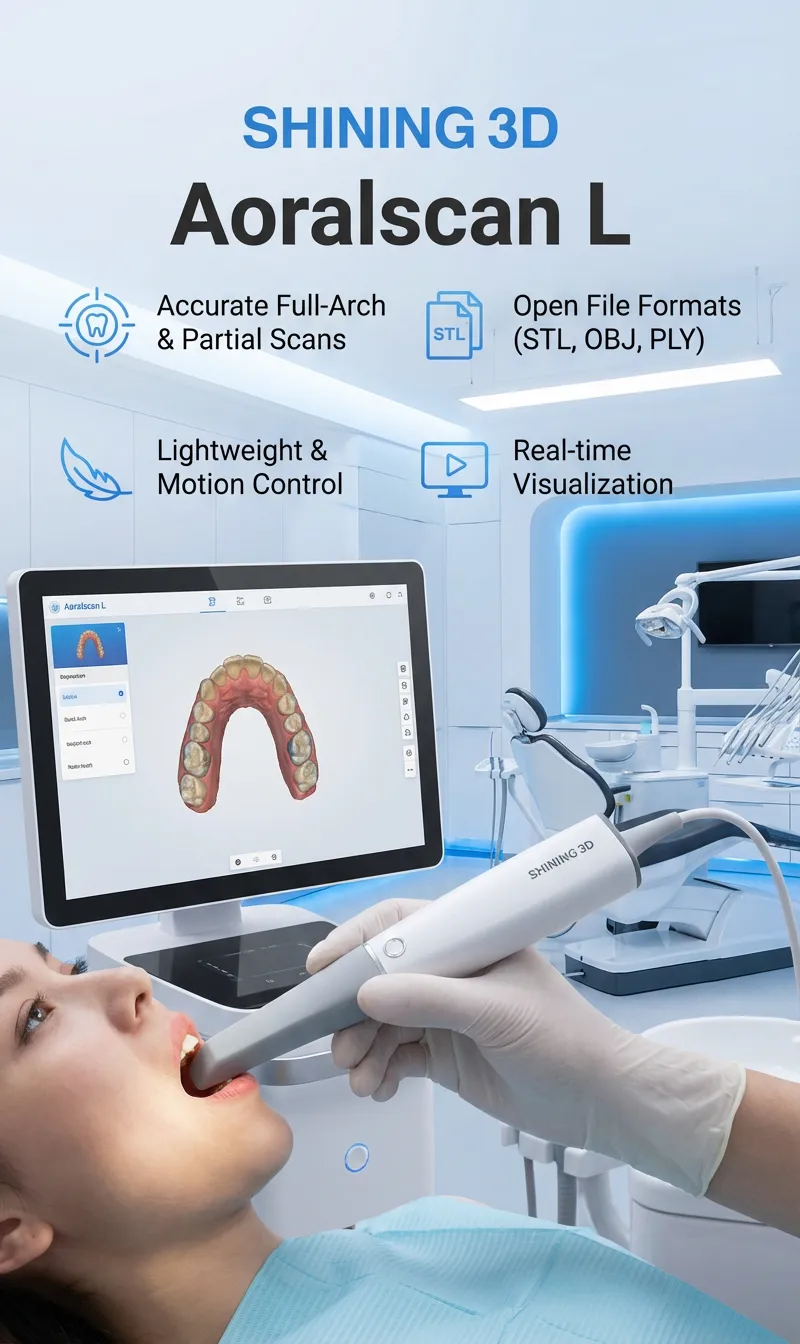
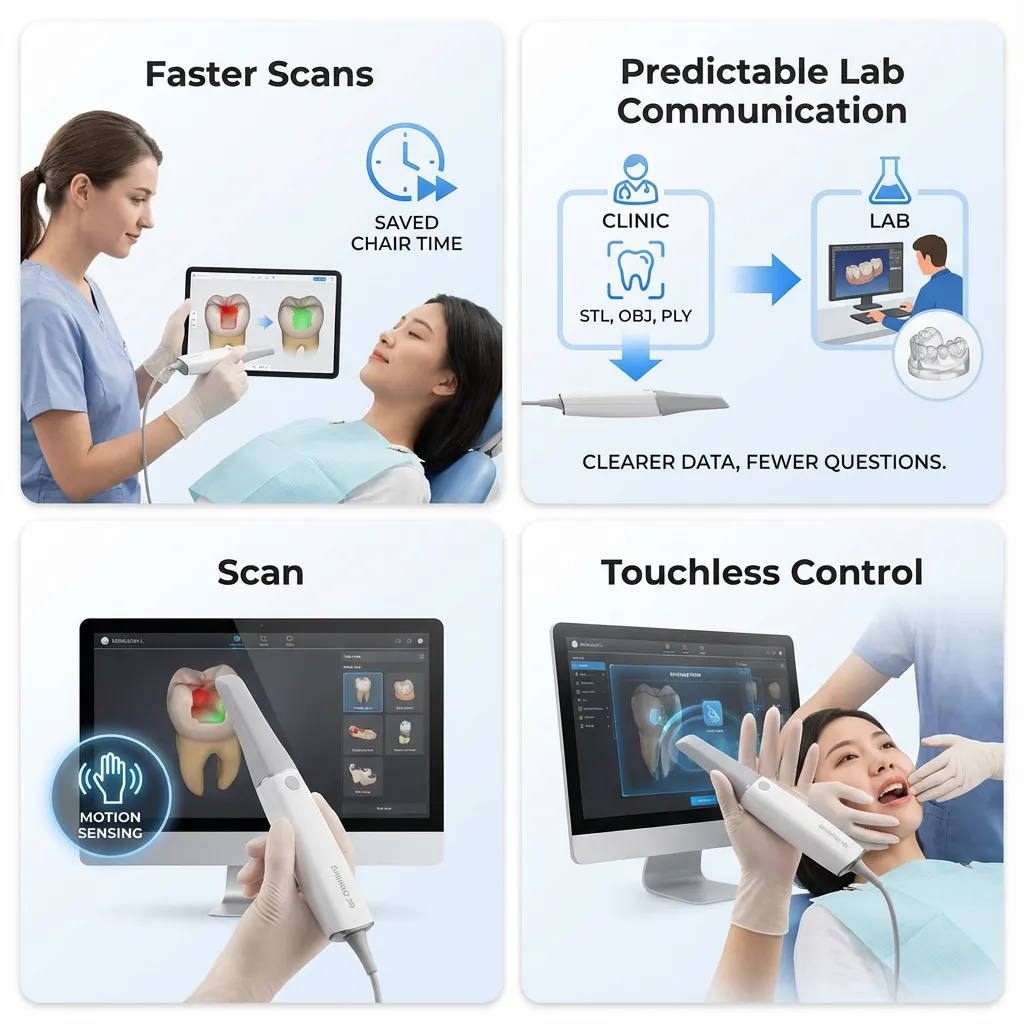
SHINING 3D Aoralscan L is an intraoral scanner from shining3D dental, designed for dental clinics that want to move from conventional impressions to a practical digital workflow without unnecessary complexity. It delivers accurate full-arch and partial scans for restorative, orthodontic, and implant cases while keeping daily clinical use straightforward. The scanner supports open file formats (STL, OBJ, PLY), making it compatible with most dental labs and CAD/CAM systems used in Canada. With a lightweight handpiece, motion-based control, and real-time scan visualization, Aoralscan L fits well into routine chairside procedures where speed, consistency, and clear lab communication matter. It is commonly chosen by private clinics looking for a balanced solution that covers everyday digital impression needs without the cost or overhead of premium-only systems.
The SHINING 3D Aoralscan L is built for clinics that want a practical way to capture digital impressions and share scans with labs in Canada without adding extra steps to the day. It’s a good fit when you need consistent scans for common restorative and orthodontic work, plus the flexibility to export files that most labs can accept.
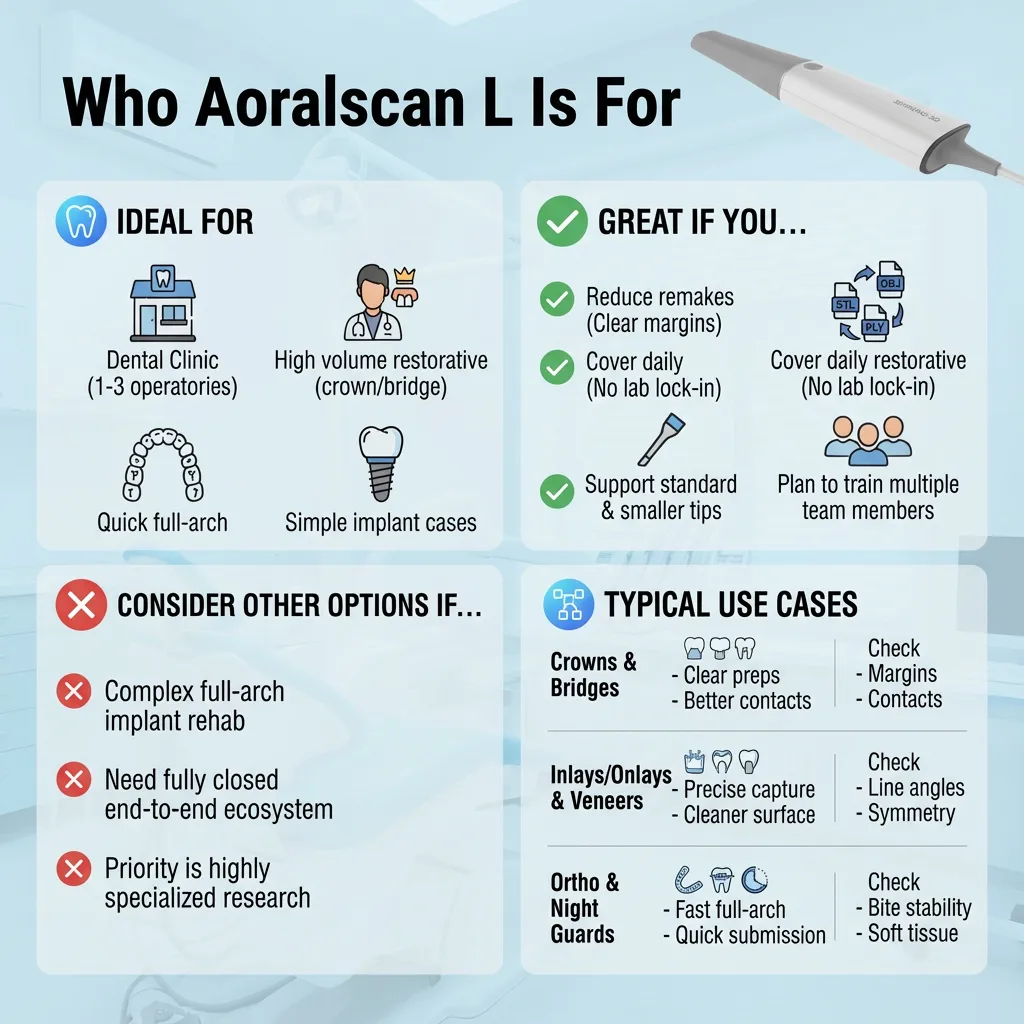
Ideal for
Private dental clinics (1–3 operatories) that are moving from conventional impressions to digital scans and want a workflow that feels natural chairside.
General dentists who do a high volume of crowns, bridges, inlays/onlays, and veneer cases and need predictable scans that labs can use without back-and-forth.
Clinics working with multiple labs (or switching labs) and therefore prefer open file formats such as STL, OBJ, and PLY.
Practices offering clear aligners or ortho records that need quick full-arch captures for documentation, monitoring, and communication.
Restorative-focused implant clinics that need digital impressions for single units and straightforward implant restorative cases, along with clear bite registration and margin capture.
Great if you…
Consider other options if…
Below are common procedures where Aoralscan L is typically used in day-to-day dentistry. The key idea is simple: capture the anatomy clearly, confirm the scan before submission, then export in formats that your lab can use.
| Procedure | What you gain with intraoral scanning |
| Crowns (single-unit) | Clear prep capture, easier margin review on-screen, improved communication on reduction and finish lines |
| Bridges (short-span) | Better visualization of contacts and pontic space, fewer impression distortions, clearer bite alignment checks |
| Inlays/Onlays | Precise capture of internal line angles and marginal ridges, fast rescan of small areas if needed |
| Veneers | Cleaner surface capture across multiple teeth, easy review of symmetry and prep transitions |
| Orthodontic records / aligners | Fast full-arch records, easier baseline documentation and progress comparisons |
| Implant restorative cases (single to simple multiple) | Digital impression data that can be sent to labs for restorative planning; easier verification of bite and adjacent anatomy |
| Night guards / retainers | Quick full-arch scan submission for appliance fabrication, simpler repeat scans when adjustments are needed |
What clinics usually check before sending a case
A scanner only helps if it reduces friction in daily appointments and improves the quality of what you send to the lab. In a typical Canadian private clinic, the biggest wins are time control, fewer remakes, and clearer communication especially when schedules are tight and the lab is not down the street.
For many restorative and ortho record appointments, speed matters less as a raw number and more as a predictable routine:
Quick scenario (typical crown appointment):
You prep a molar, retract, scan, and notice a small missing area near the distal margin on-screen. Instead of redoing everything, you dry and rescan only that region, confirm the margin, and move on to the next step with confidence.
The most common source of delays is unclear intent and unclear data. Aoralscan L supports STL, OBJ, and PLY, which matters because many Canadian labs accept these formats across different CAD workflows.
Quick scenario (lab remake prevention):
A bridge case comes back with a message: “margin unclear on #14.” With a digital scan, you can review the area immediately, rescan only the margin zone if needed, and resend often the same day without bringing the patient back for a full new impression.
In daily dentistry, infection control and workflow control are tightly linked. Motion-based control can reduce how often you need to touch the computer during scanning.
Quick scenario (two-person scanning):
The assistant retracts and keeps the field dry while the operator controls scanning actions with motion control, reducing the need to pause and reach for the mouse during critical capture moments.
Aoralscan L is designed for clinics that rely on consistent intraoral scans for everyday restorative and orthodontic work. The focus is on practical chairside use: steady image capture, clear on-screen verification during scanning, and the ability to correct small areas without repeating the entire impression process. This approach helps clinicians maintain control over scan quality before a case is sent to the lab, reducing uncertainty and unnecessary retakes.
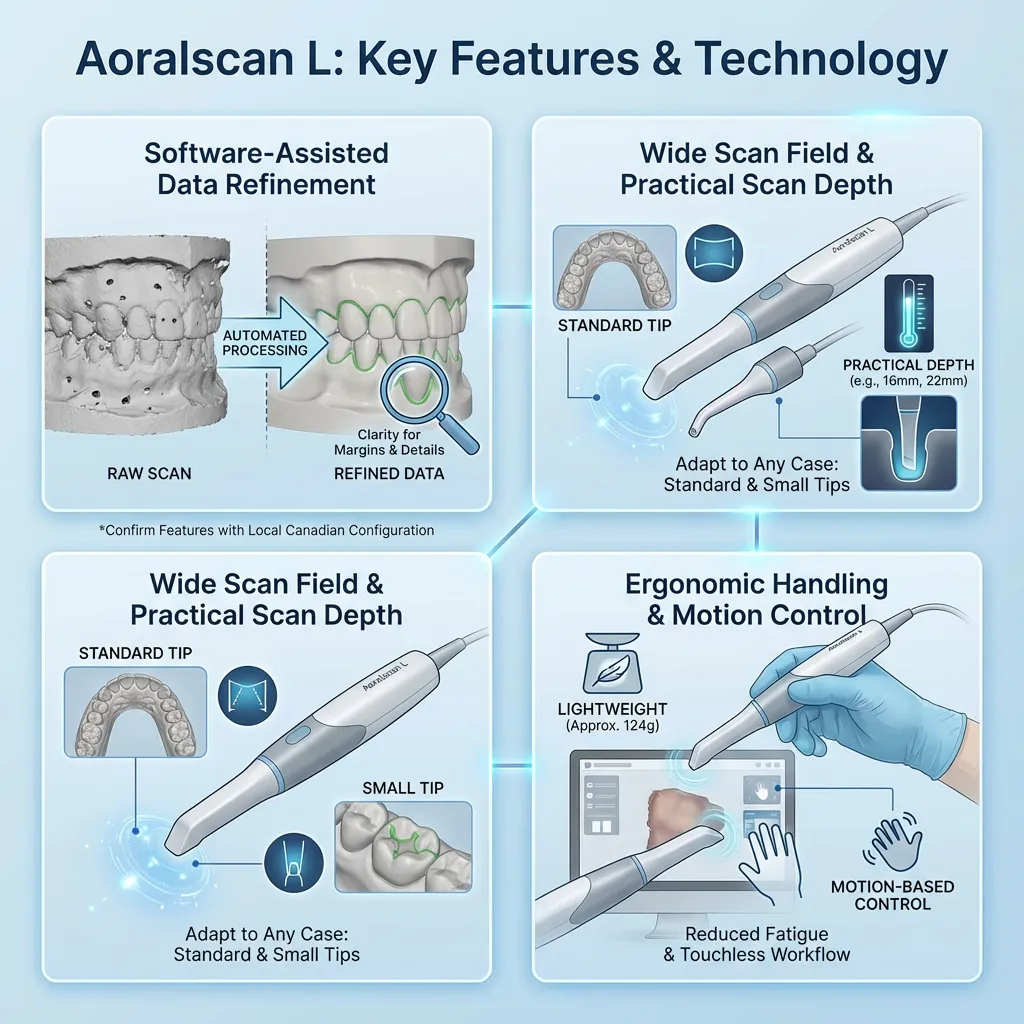
Depending on the software version and regional package, Aoralscan L can apply automated processing during or after scanning to improve surface continuity and reduce visual noise. This helps clinicians review margins, contact areas, and preparation details more clearly before exporting files. Because software features can vary by distributor and update level, clinics should confirm which processing functions are included in their local Canadian configuration and how they fit into their existing workflow.
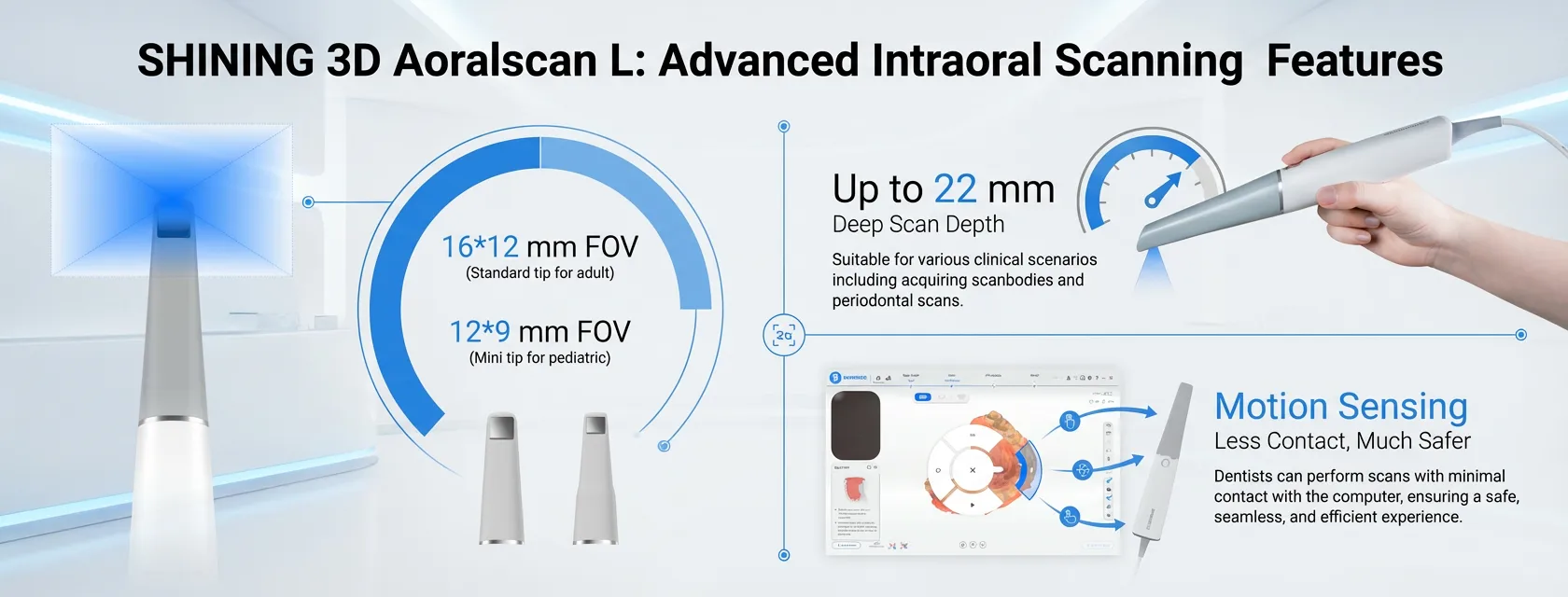
Aoralscan L supports both standard and small scan tips, allowing clinicians to adapt the scanner to different clinical situations. The standard tip is suitable for broader surfaces and full-arch captures, while the smaller tip improves access in posterior regions or tighter spaces. The available scan field and depth are designed to capture detailed anatomy without forcing constant changes in scanning technique, supporting smoother transitions between different areas of the mouth.
In daily practice, handling comfort can influence scan consistency, especially during multiple back-to-back procedures. The lightweight handpiece supports stable positioning during full-arch scans and helps reduce hand fatigue over time. Motion-based control is included as a workflow feature, which can limit how often the operator needs to interact with the computer during scanning and helps maintain focus on the patient and the scan path.
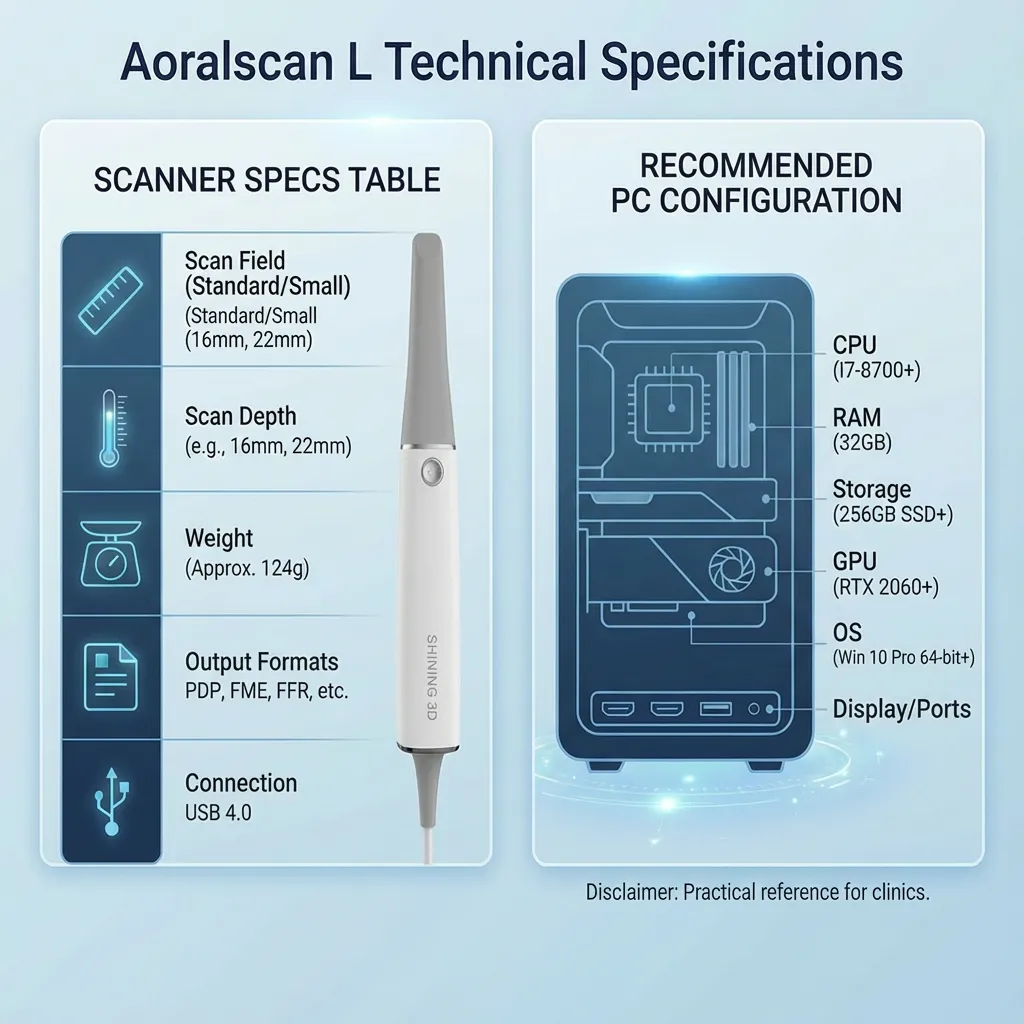
The specification overview below is intended to give clinicians and labs a clear, comparison-ready view of Aoralscan L. The layout focuses on the details most often reviewed during purchasing decisions, including scan coverage, file output, connectivity, and workstation requirements.
| Spec | Details |
| Product name | SHINING 3D Aoralscan L |
| Scan field (Standard tip) | 16 × 12 × 22 mm |
| Scan field (Small tip) | 12 × 9 × 22 mm |
| Scan depth | 22 mm |
| Dimensions (L × W × H) | 290 × 33 × 47 mm |
| Weight | 239 ± 20 g (without cables) |
| Output formats | STL, OBJ, PLY |
| Connection | USB 3.0 |
| Power input | 12V DC / 3A |
Recommended PC Configuration
This configuration is intended as a practical reference for clinics planning a dedicated scanning workstation or upgrading an existing operatory computer.
| Component | Recommendation |
| CPU | Intel Core i7-8700 or higher |
| RAM | 32 GB |
| Storage | 256 GB SSD or above |
| GPU | NVIDIA RTX 2060 (6 GB) or higher |
| Operating system | Windows 10 Professional (64-bit) or later |
| Display | 1920 × 1080 resolution, 60 Hz or higher |
| Ports | At least two USB Type-A ports supporting USB 3.0 or higher |
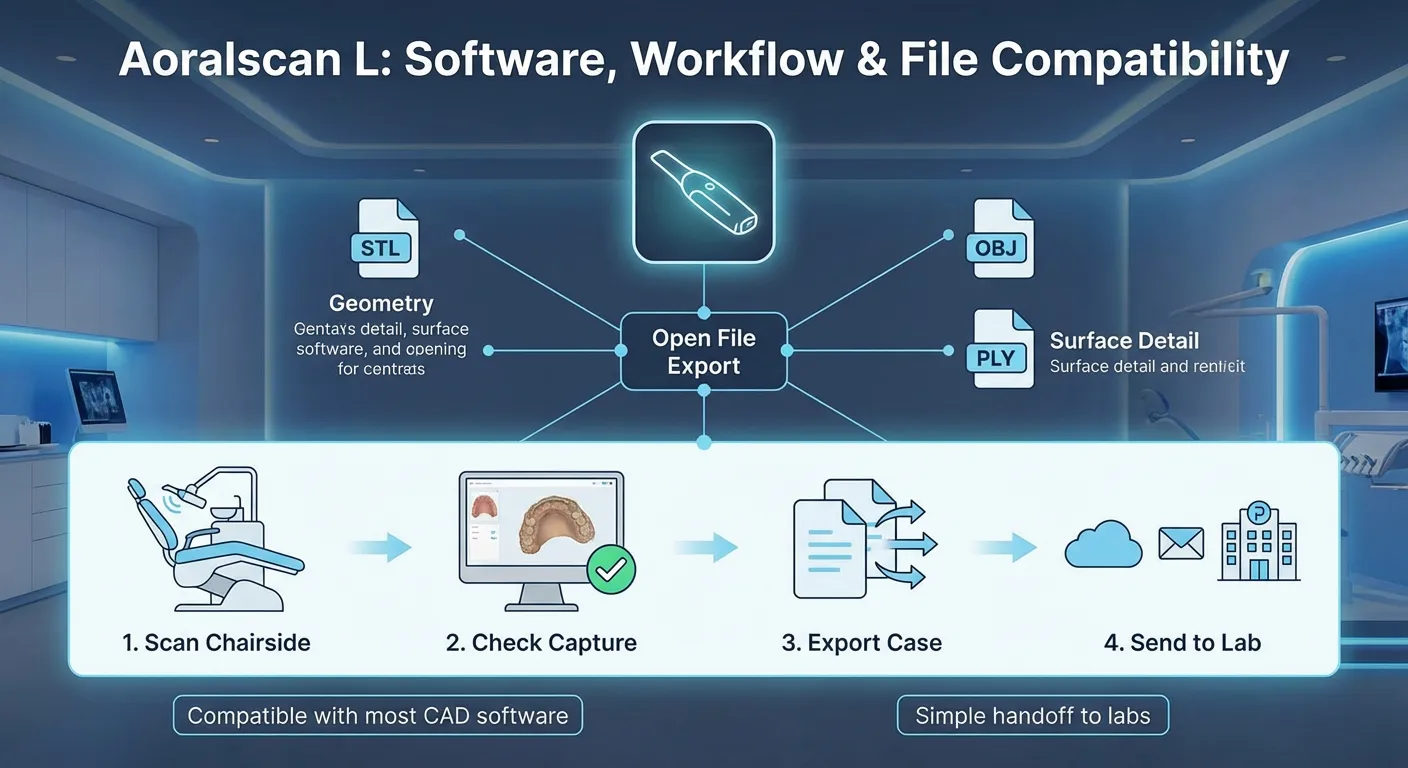
Aoralscan L is built to fit into the way most Canadian clinics already work: scan chairside, review the capture, then share files with a dental lab or use them in a CAD/CAM path. The goal is to keep the process clear for the operator and predictable for the lab especially when cases move between different teams, software tools, or lab partners.
Aoralscan L supports export in STL, OBJ, and PLY, which matters because these formats are widely accepted across dental CAD software and lab systems. In practical terms, this reduces “format lock-in” and makes it easier to keep your lab options open.
For clinics, the main value is straightforward: you can scan, confirm coverage (margins, contacts, occlusion), then export in a format your lab can work with without extra conversions.
Aoralscan L is typically used with a simple handoff model:
Important note for your product page: if you offer a specific case-sharing portal, cloud service, or lab submission tool in your Canadian bundle, name it clearly and describe what it does. If you do not, keep it simple: focus on file export and standard lab submission.
Because bundles vary by distributor and region, it’s best to present this section as “Typical package contents” and then list exactly what your Canadian offering includes. That keeps the page accurate and avoids confusion during purchasing.
here is the unboxing video:
Typical Package Contents
Most intraoral scanner packages in this category commonly include:
If your bundle includes extra items (spare tips, tip sleeves, protective caps, carrying case, or a dedicated cart/laptop), list them here as separate bullet points so buyers can compare quickly.
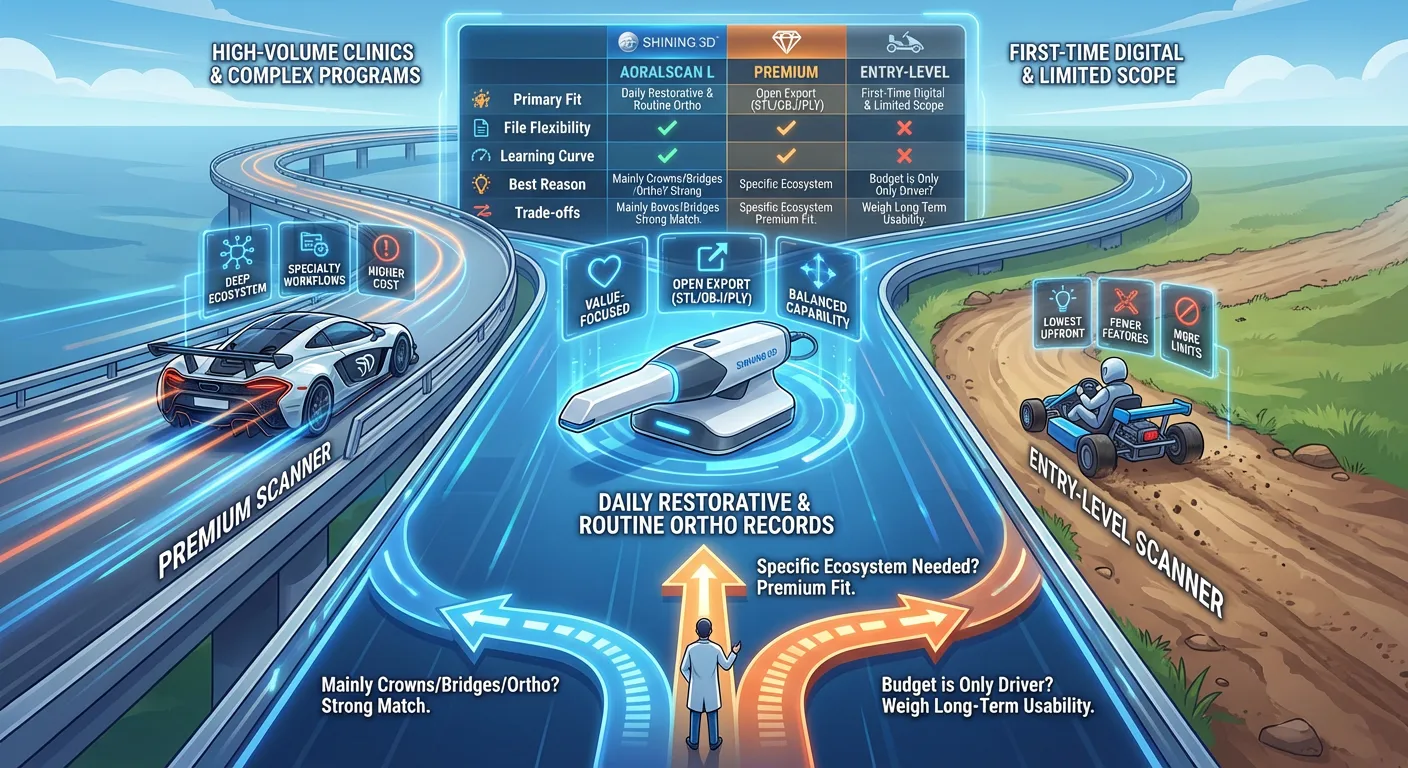
Aoralscan L generally sits in a “value-focused clinic scanner” position: it aims to cover the majority of everyday digital impression needs while keeping ownership costs more manageable than many premium-tier platforms. The best choice depends on your clinic’s priorities: daily restorative volume, lab preferences, and how complex your cases are.
Comparison Table (Positioning Guide)
| Category | Aoralscan L | Typical Premium Scanners | Typical Entry-Level Scanners |
| Primary fit | Daily restorative + routine ortho records | High-volume clinics, complex programs, brand-standardized ecosystems | First-time digital scanning with limited scope |
| File flexibility | Open export (STL/OBJ/PLY) | Varies by brand; sometimes more restrictions | Often open, but feature depth can vary |
| Learning curve | Moderate, clinic-friendly | Can be higher depending on platform | Often simple, sometimes fewer workflow tools |
| Best reason to choose | Balanced capability for everyday cases | Deep ecosystem features, specialty workflows, strong brand standardization | Lowest upfront spend, basic scanning needs |
| Trade-offs to consider | Not aimed at every advanced specialty path | Higher cost of ownership | More limits in features, accessories, or long-term workflow options |
How to decide quickly (clinic logic):
Aoralscan L is a practical intraoral scanner for clinics that want digital impressions for everyday dentistry and clear lab communication using standard export formats. It supports common restorative and orthodontic workflows, offers tip options for different access needs, and provides a straightforward path from chairside scanning to lab submission or CAD/CAM use. For Canadian private clinics, it’s typically considered when the goal is consistent daily scanning with manageable ownership costs and clear compatibility with a wide range of lab workflows.
Reviews
There are no reviews yet.