SHINING 3D Dental: A Connected Digital Workflow for Clinics and Labs
SHINING 3D Dental develops digital dentistry solutions that connect clinical scanning, facial data, laboratory digitization and dental 3D printing.
Rather than focusing on a single device, the SHINING 3D ecosystem covers several stages of the digital workflow—from capturing intraoral or facial data to laboratory scanning, digital collaboration and in-house production.
For Canadian clinics and laboratories, this makes the brand particularly relevant when building a workflow that may include an intraoral scanner, face scanner, desktop scanner or dental 3D printer.
Explore the SHINING 3D Dental Ecosystem
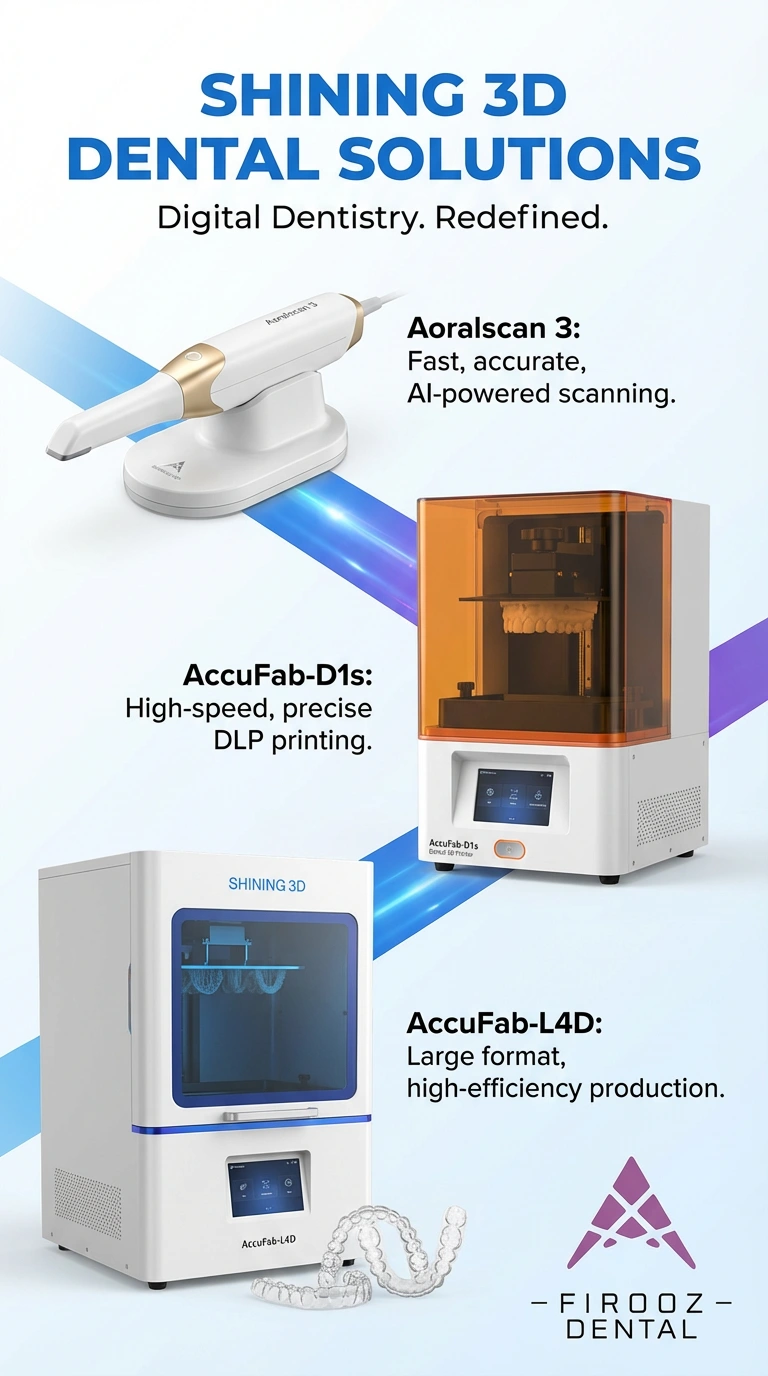
Choose the category according to where digital data enters—or leaves—your workflow. These are the four primary SHINING 3D destinations on Firooz Dental.
Intraoral Scanners
The Aoralscan family captures digital impressions directly in the operatory for restorative, orthodontic and implant workflows.
- Aoralscan wired and wireless options
- Routine restorative scanning
- Orthodontic digital records
- Implant and full-arch workflows
- Elite models with intraoral photogrammetry
Dental 3D Printers
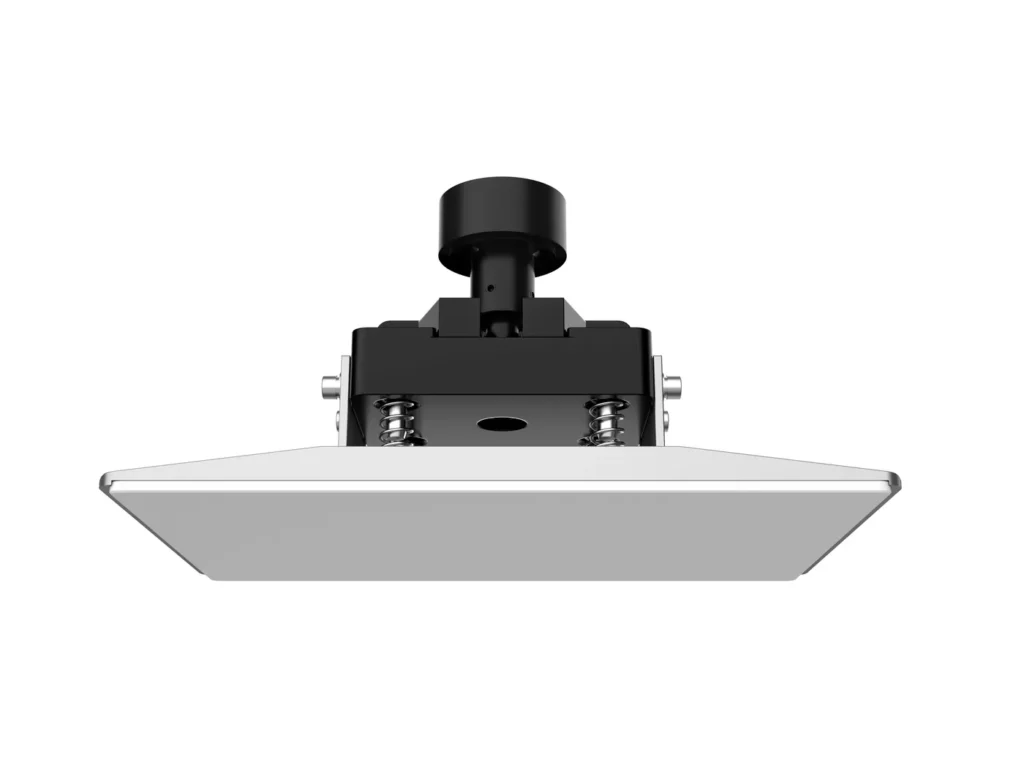
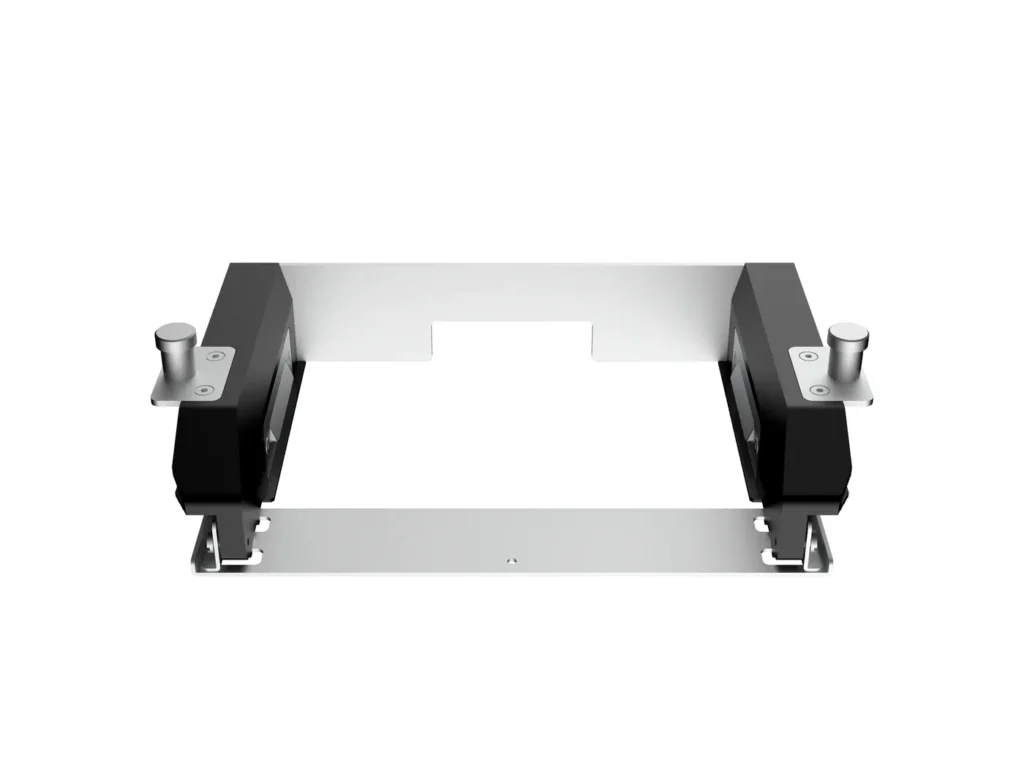
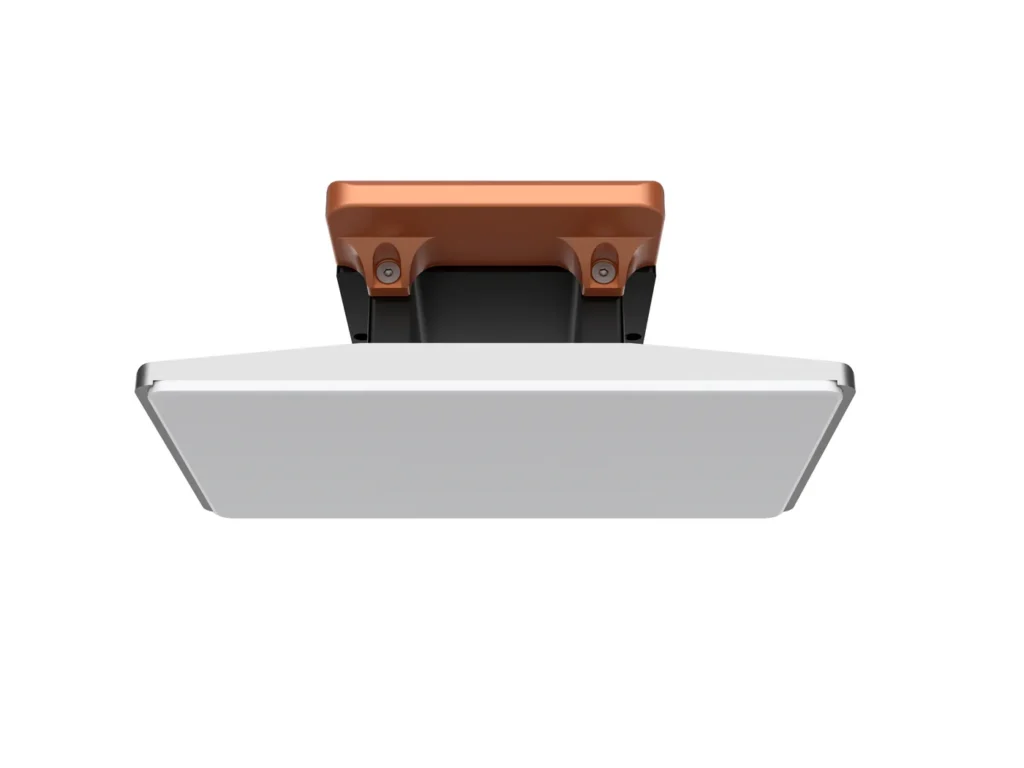
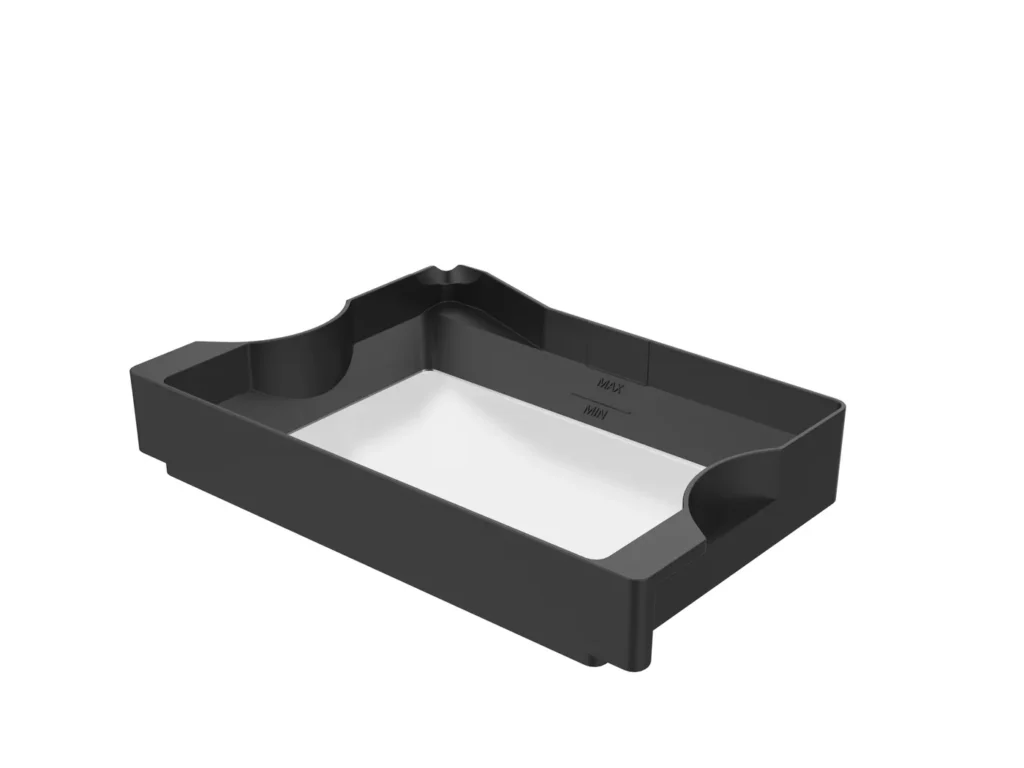
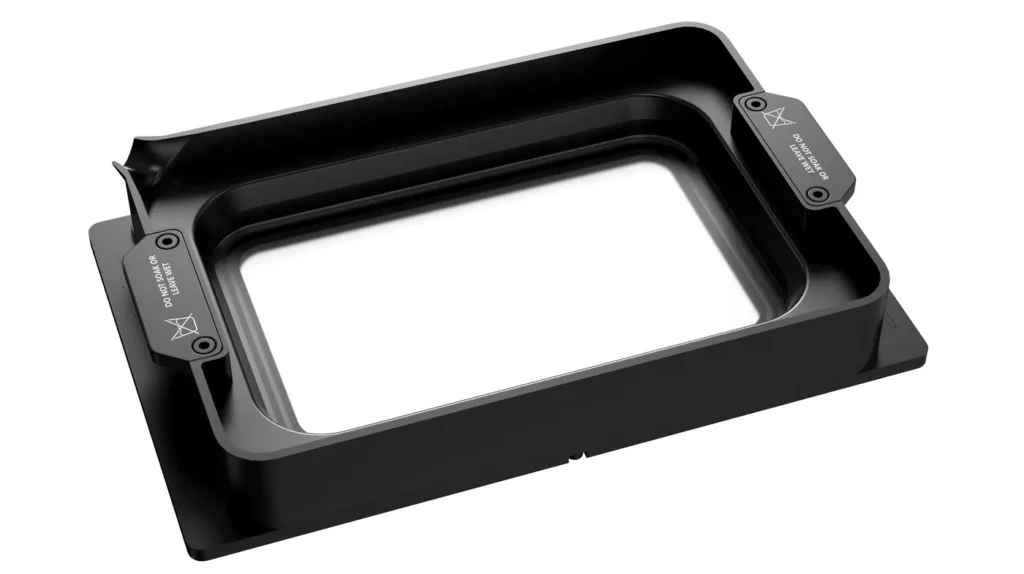
SHINING 3D's AccuFab systems extend digital dentistry from design into physical production for clinics and laboratories.
- Dental models
- Surgical guides
- Splints and appliances
- Denture and restorative workflows
- Clinic and laboratory production
Face Scanners
MetiSmile adds the patient's facial geometry to the digital record, creating an external reference for esthetic and patient-focused workflows.
- 3D facial data capture
- Digital smile design support
- Facial analysis
- Patient communication
- Integration with digital dental data
Desktop Scanners
The AutoScan family is designed for laboratory digitization of physical dental objects before CAD design and production.
- Plaster models
- Dental impressions
- Dies and abutments
- Articulator workflows
- Laboratory CAD/CAM production
How SHINING 3D Products Fit Together
The value of the portfolio becomes clearer when each device is assigned to the stage of the workflow it is designed to support.
Capture
Aoralscan captures intraoral data, MetiSmile captures facial information, and AutoScan systems digitize physical laboratory records.
Design & Share
Digital records can move into compatible dental design, cloud collaboration and clinic–laboratory workflows according to the case.
Produce
AccuFab dental 3D printers turn approved digital designs into models, guides, appliances and other validated dental applications.
Which SHINING 3D Product Family Fits Your Workflow?
These product families solve different problems. The right starting point depends on whether the digital workflow begins chairside, from the patient's face, from a physical laboratory model, or at the production stage.
| Product Family | Primary Role | Examples | Typical Setting | Best Starting Point For |
|---|---|---|---|---|
| Intraoral Scanner | Direct digital impressions | Aoralscan 3, Aoralscan 3 Wireless, Elite, Elite Wireless | Dental clinic | Restorative, orthodontic and implant workflows |
| Face Scanner | 3D facial data capture | MetiSmile | Dental clinic / esthetic workflow | Smile design, facial analysis and patient communication |
| Desktop Scanner | Digitization of physical dental objects | AutoScan DS-EX Pro family | Dental laboratory | Models, impressions, dies, articulators and lab CAD workflows |
| Dental 3D Printer | Production from digital designs | AccuFab family | Clinic or laboratory | Models, guides, appliances and in-house production |
Understanding the Aoralscan Family
The Aoralscan line covers several levels of chairside digital scanning, from everyday restorative procedures to advanced full-arch implant workflows.
For most buyers, the main decision is not simply which model is "best." The more useful question is whether the clinic needs routine scanning, wireless mobility, or integrated intraoral photogrammetry (IPG) for demanding implant cases.
Model availability and configuration may change over time, so detailed specifications, current inventory and pricing should always be checked on the relevant product page before purchase.
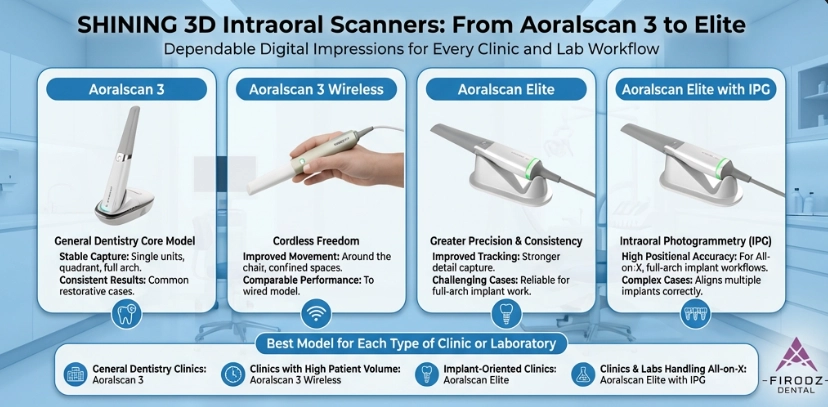
Aoralscan 3
A practical wired option for clinics moving routine restorative and general digital-impression work into a digital workflow.
- General restorative dentistry
- Crowns and bridges
- Orthodontic records
- Routine implant scanning
Aoralscan 3 Wireless
Built around the same general clinical role as the Aoralscan 3, with cordless operation for easier movement around the chair.
- Busy general practices
- Multi-room clinical workflows
- Reduced cable management
- Restorative and orthodontic use
Aoralscan Elite
A dual-purpose wired scanner that combines conventional intraoral scanning with intraoral photogrammetry for advanced implant and full-arch workflows.
- Daily intraoral scanning
- Full-arch implant workflows
- Intraoral photogrammetry
- All-on-X digital workflows
Aoralscan Elite Wireless
Extends the Elite concept into a wireless workflow, combining chairside intraoral scanning and photogrammetry without a scanner cable.
- Advanced implant dentistry
- Full-arch cases
- Wireless clinical mobility
- Clinics using one scanner across rooms
The Rest of the SHINING 3D Dental Workflow
SHINING 3D's dental portfolio extends beyond intraoral scanning into facial capture, laboratory digitization and digital production.
MetiSmile
Adds 3D facial information to digital dental records and supports facially driven planning, smile-design communication and related clinical applications.
AutoScan
Gives laboratories a dedicated desktop workflow for converting models, impressions, dies, abutments and other physical records into digital data.
AccuFab
Moves the workflow from digital design to physical production, with printer options for different clinic and laboratory workloads and dental applications.
Hardware Is Only Part of the Decision
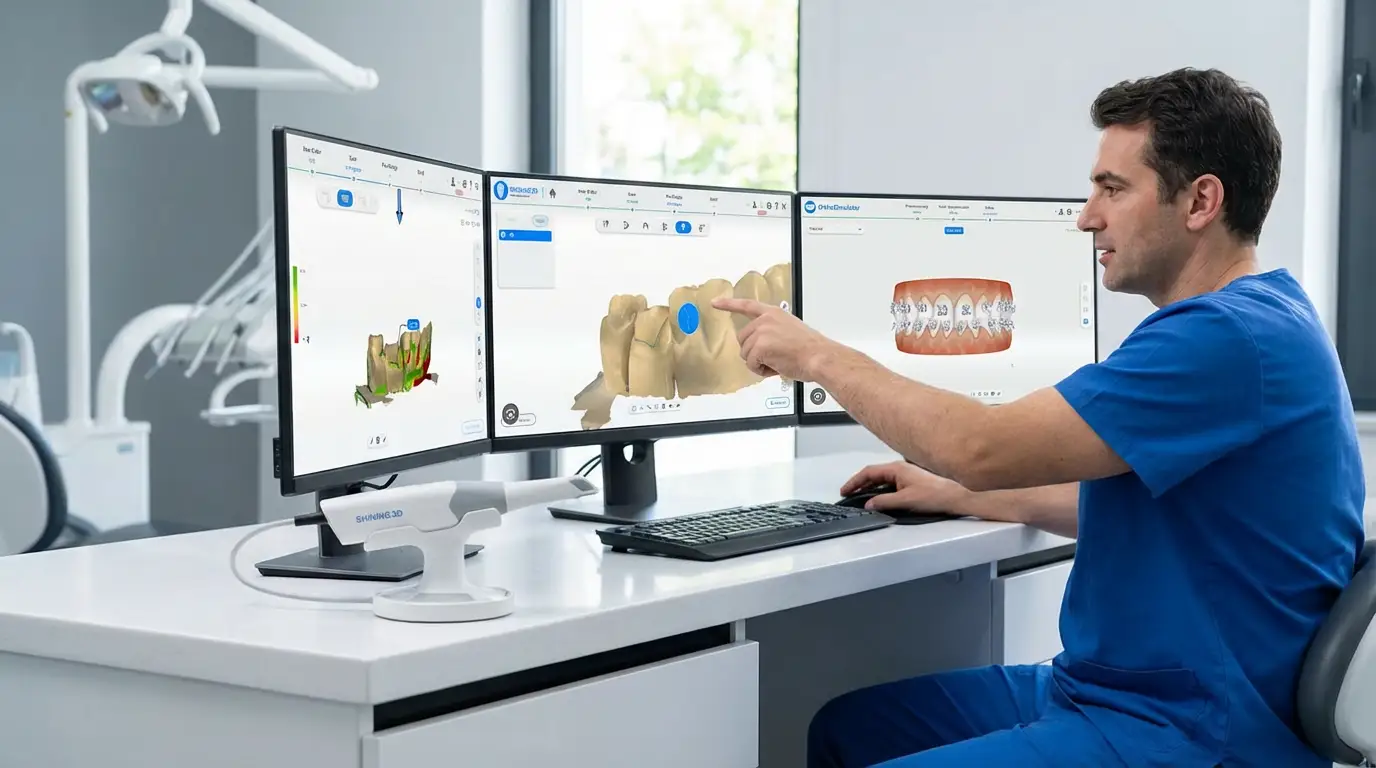
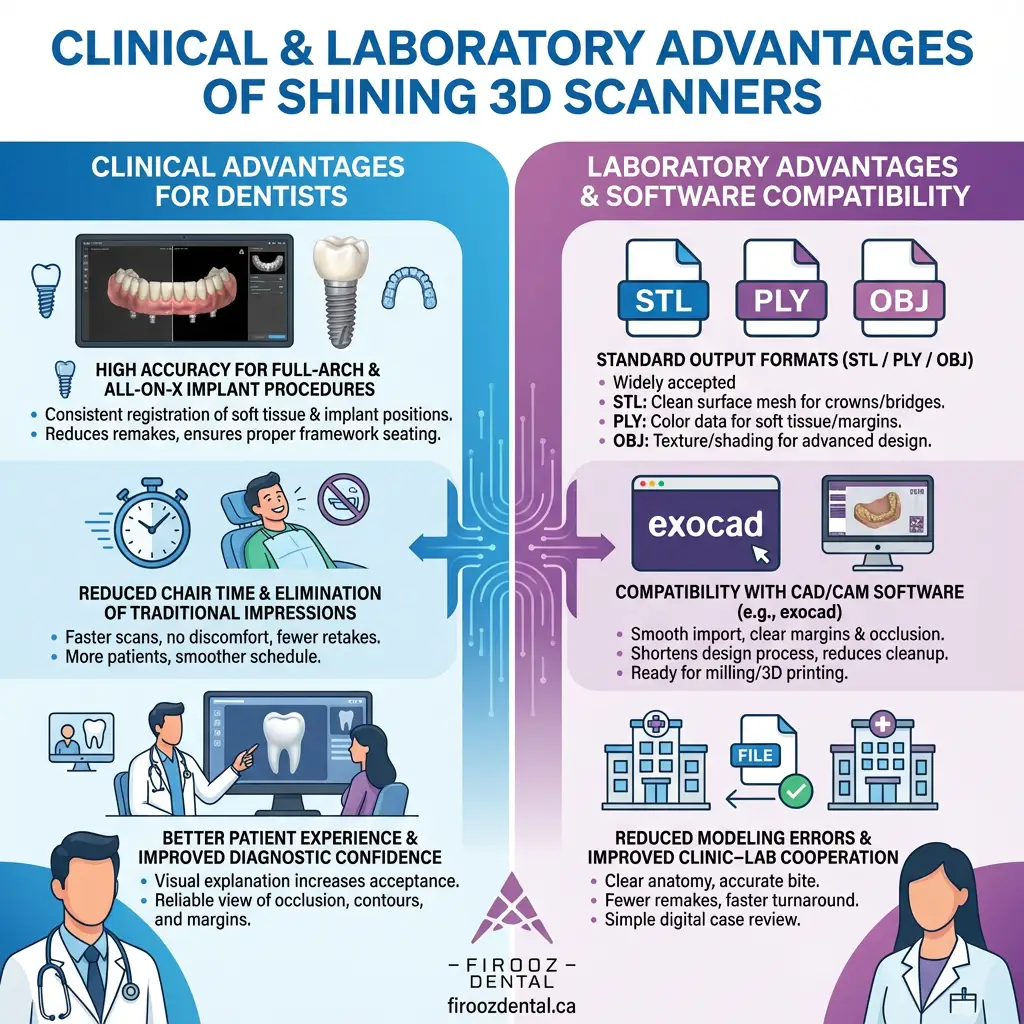
When comparing digital dental systems, clinics and laboratories should also consider software, file transfer, CAD compatibility, computer requirements, updates and support.
SHINING 3D provides software-supported workflows across its dental ecosystem, helping digital records move between scanning, planning, laboratory collaboration and production.
Before purchasing, confirm that the specific model, software version and workflow are compatible with your existing CAD/CAM setup, laboratory partners and computer hardware.
Support Before and After Purchase
Digital dental equipment should be evaluated together with onboarding, training, compatibility, troubleshooting and post-purchase support.
Product Guidance
Firooz Dental can help identify the appropriate SHINING 3D product family according to your clinic or laboratory workflow, applications and budget.
Contact Firooz DentalSetup & Compatibility
Before implementation, review your computer requirements, CAD/CAM workflow, laboratory connection and accessory requirements so the system fits your existing digital environment.
Ask About CompatibilityTraining & Onboarding
Ask about initial setup, operator onboarding and available training resources when purchasing a SHINING 3D scanner or printer through Firooz Dental.
Ask About TrainingManufacturer Reference
For manufacturer-level information, global product announcements and the broader SHINING 3D Dental portfolio, the official manufacturer website can be used as a secondary reference. For purchasing, availability and local support in Canada, remain on Firooz Dental.
How to Choose Within the SHINING 3D Ecosystem
Start with the clinical or laboratory problem rather than the product name.
| Your Main Requirement | Start With | Why | Next Step |
|---|---|---|---|
| Replace conventional impressions | Aoralscan | Direct chairside digital impression capture | Compare wired, wireless and Elite options |
| Regular full-arch implant treatment | Aoralscan Elite / Elite Wireless | Integrated intraoral photogrammetry plus IOS | Confirm implant-system, scanbody and lab workflow |
| Add facial context to esthetic planning | MetiSmile | Captures external 3D facial information | Review Face Scanner category |
| Digitize physical models and impressions | AutoScan | Dedicated laboratory desktop scanning | Review Desktop Scanner category |
| Produce dental parts in-house | AccuFab | Dental additive-manufacturing workflow | Match printer, material and post-processing workflow |
Common Questions About SHINING 3D Dental
Use these questions to narrow down the correct product family before comparing individual specifications.
Which SHINING 3D scanner is suitable for general dentistry?
For routine restorative, orthodontic and general digital-impression workflows, the Aoralscan family is the relevant starting point. Aoralscan 3 and 3 Wireless are positioned toward routine chairside scanning, while Elite models add advanced implant capabilities.
Does Aoralscan Elite support photogrammetry?
Yes. Aoralscan Elite systems combine conventional intraoral scanning with intraoral photogrammetry for advanced implant and full-arch workflows.
What is MetiSmile used for?
MetiSmile captures 3D facial data and can support workflows such as facial analysis, digital smile design, treatment visualization and patient communication.
Is a desktop scanner the same as an intraoral scanner?
No. An intraoral scanner captures dental structures directly from the patient at chairside. A desktop scanner is primarily a laboratory device used to digitize physical items such as models, impressions, dies and articulators.
Where can I find current prices and availability in Canada?
Pricing and availability can change according to model, configuration, promotions and inventory. Browse the relevant Firooz Dental product category or contact Firooz Dental for current information.
What should I ask about before purchase?
Confirm the intended clinical applications, computer requirements, software compatibility, laboratory workflow, required accessories, training and post-purchase support before choosing a configuration.
Choose the Product Family That Matches Your Workflow
Compare SHINING 3D equipment available through Firooz Dental, or contact the team to discuss scanner compatibility, printing, laboratory workflows, product availability and current options.