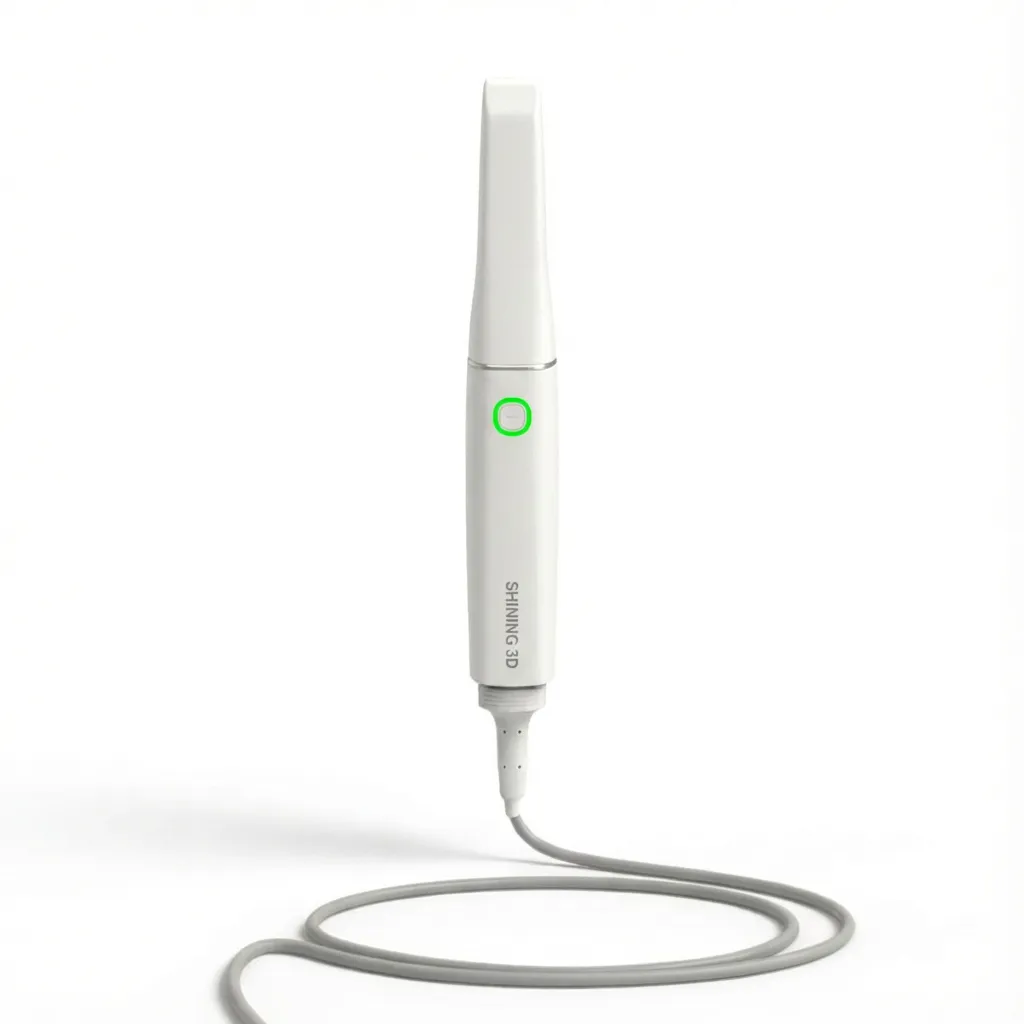
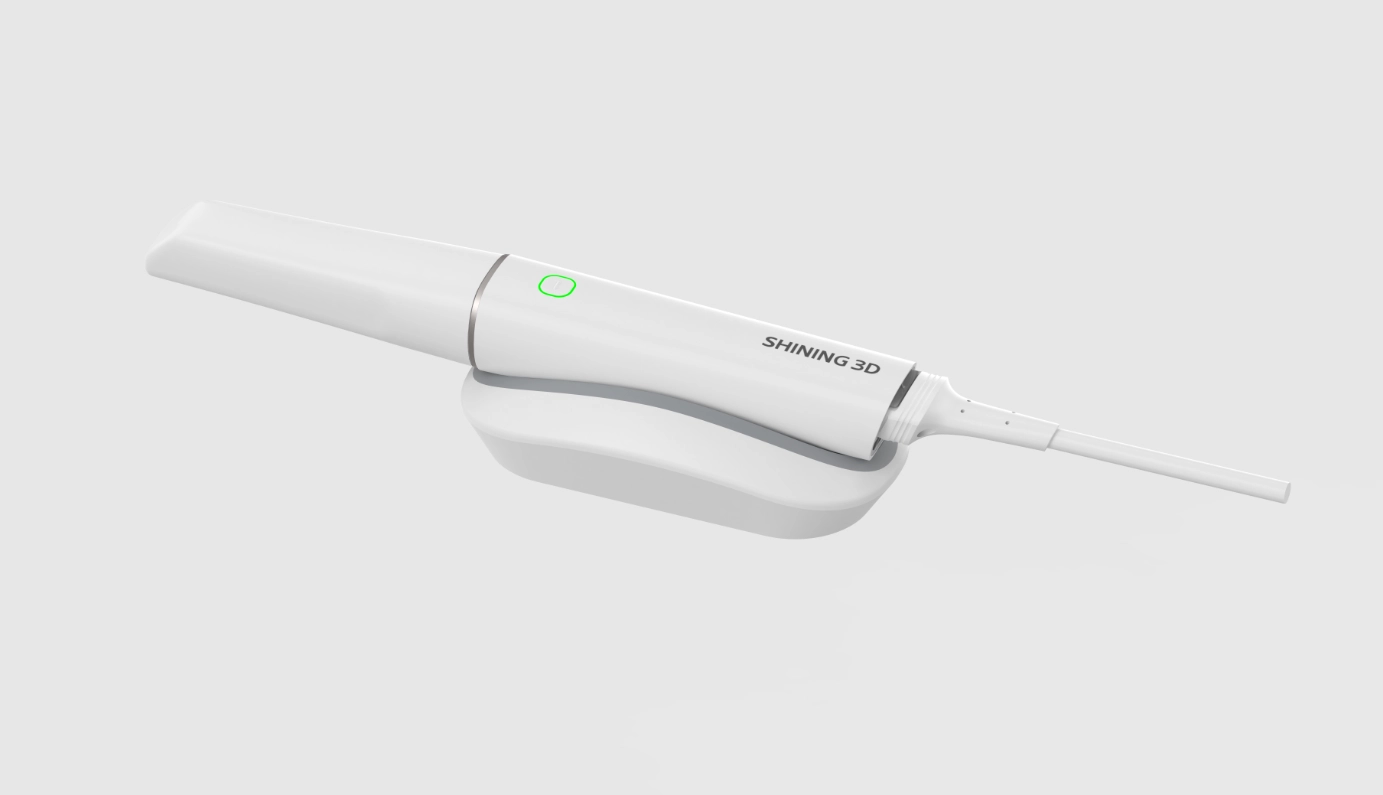
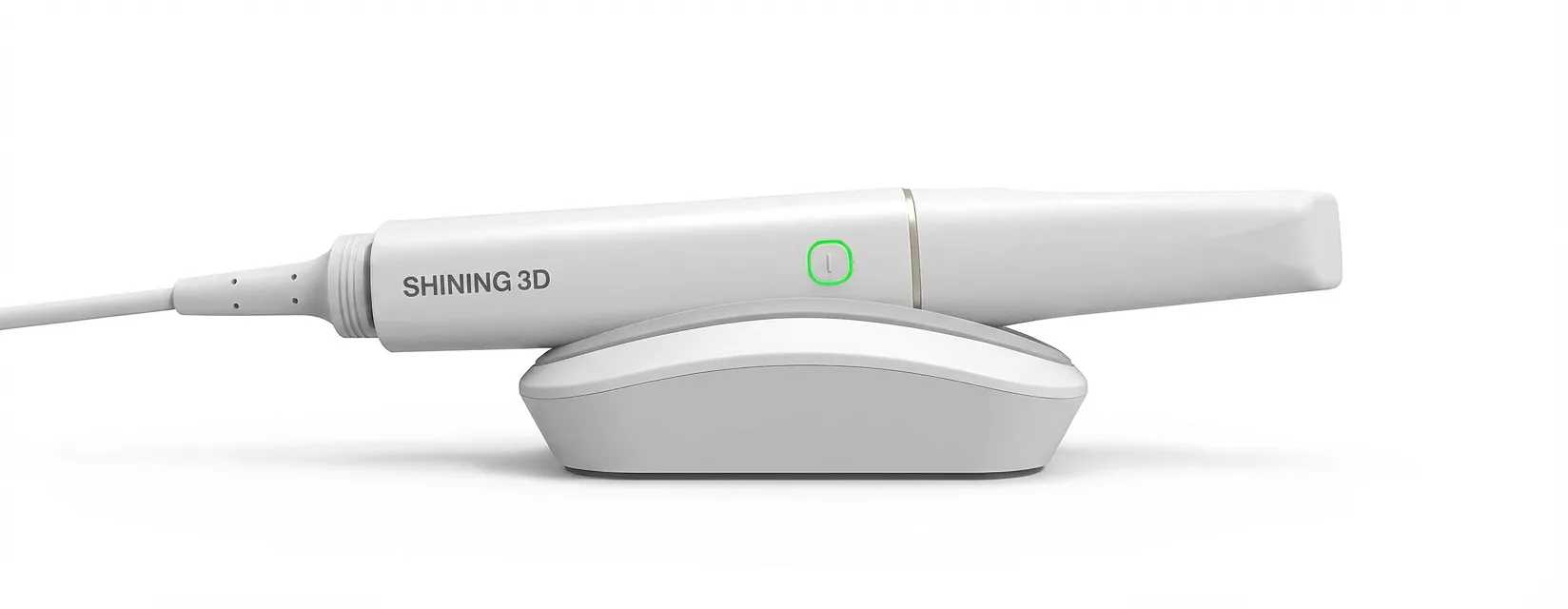
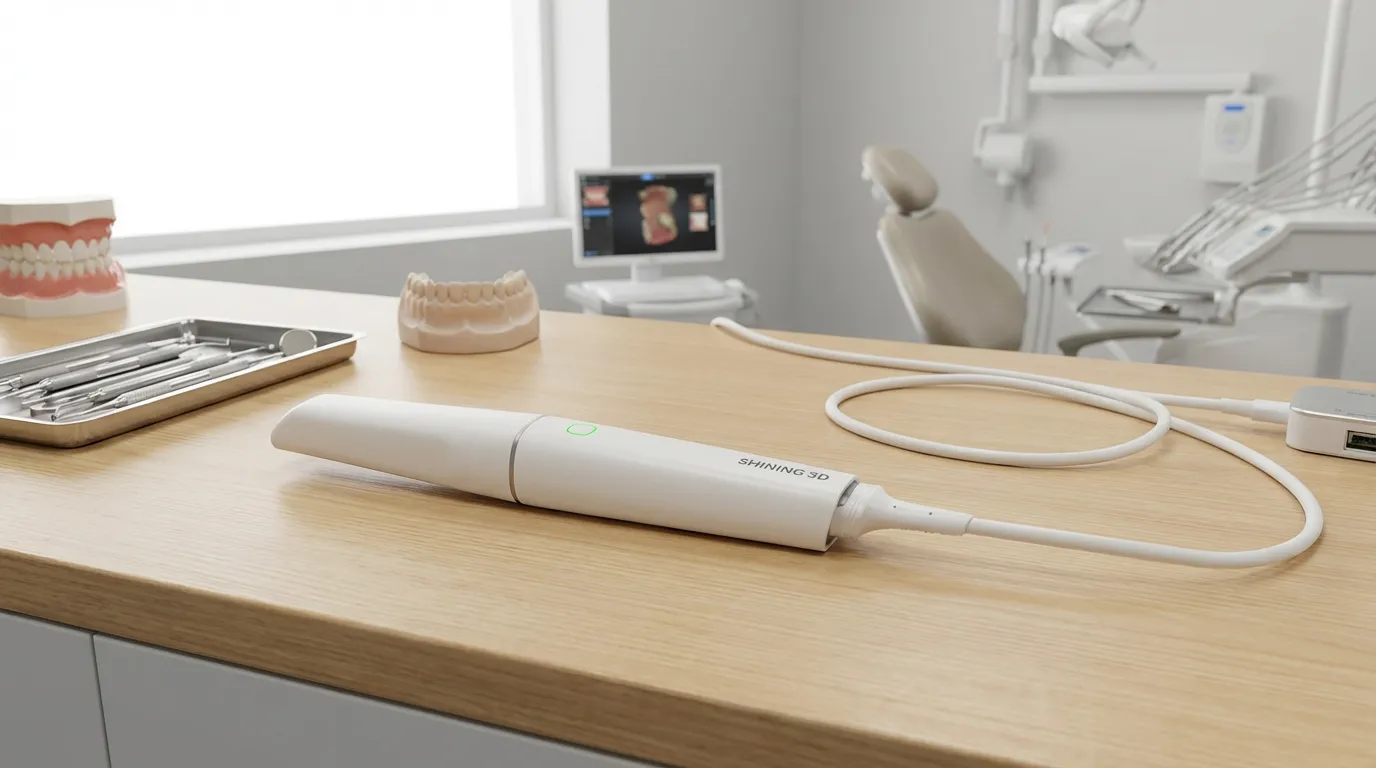
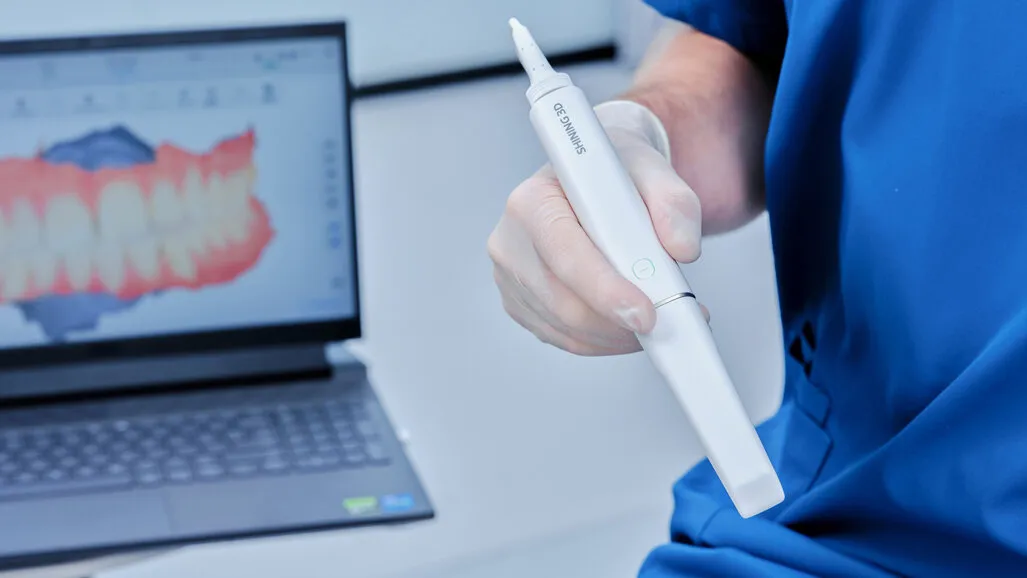
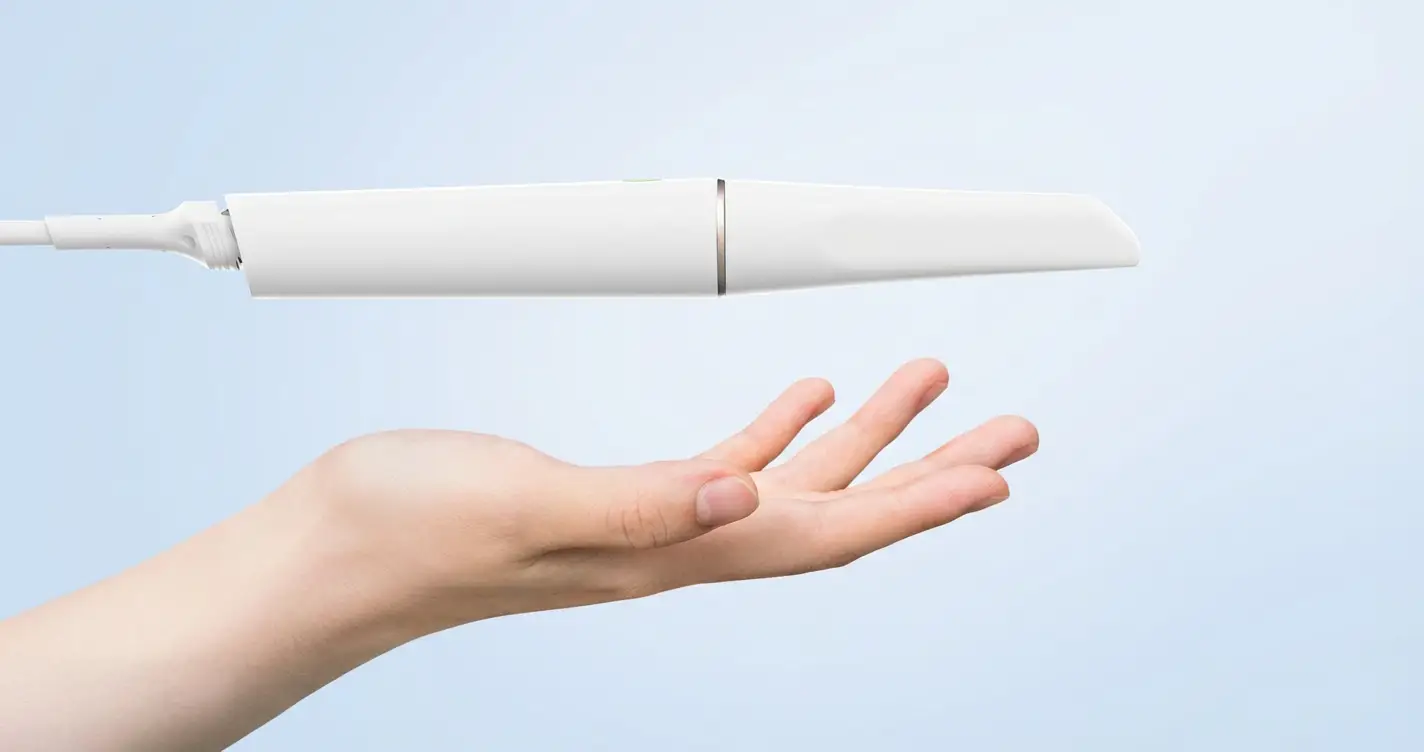
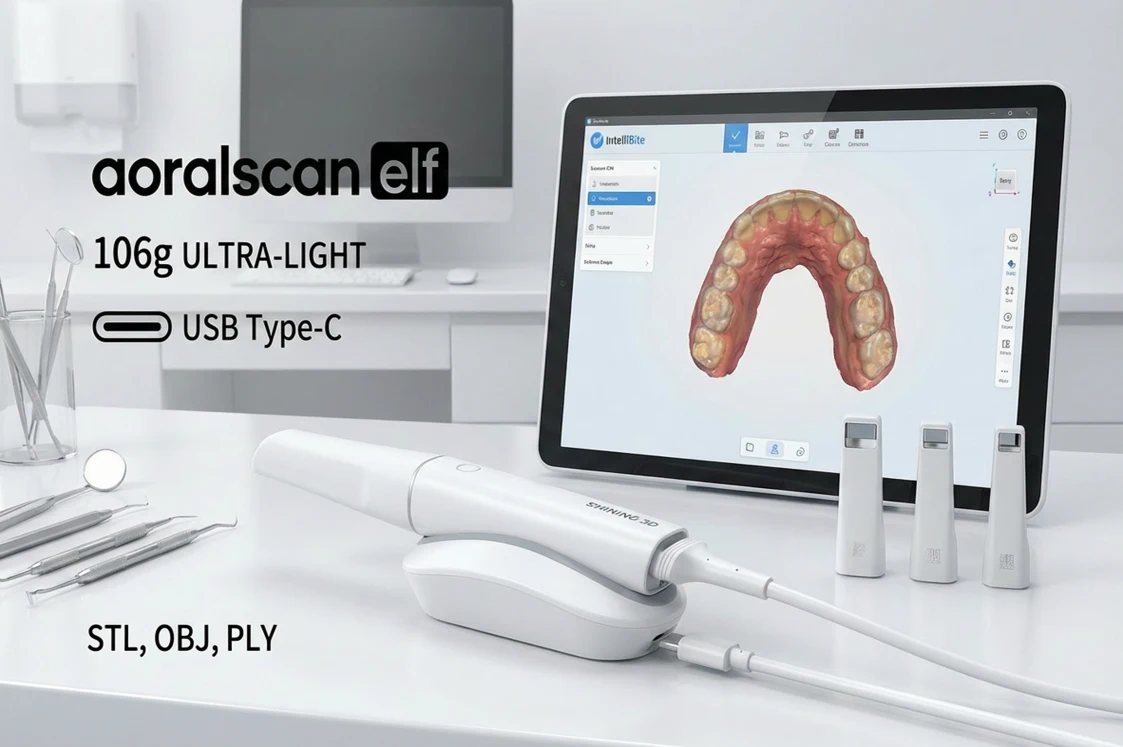
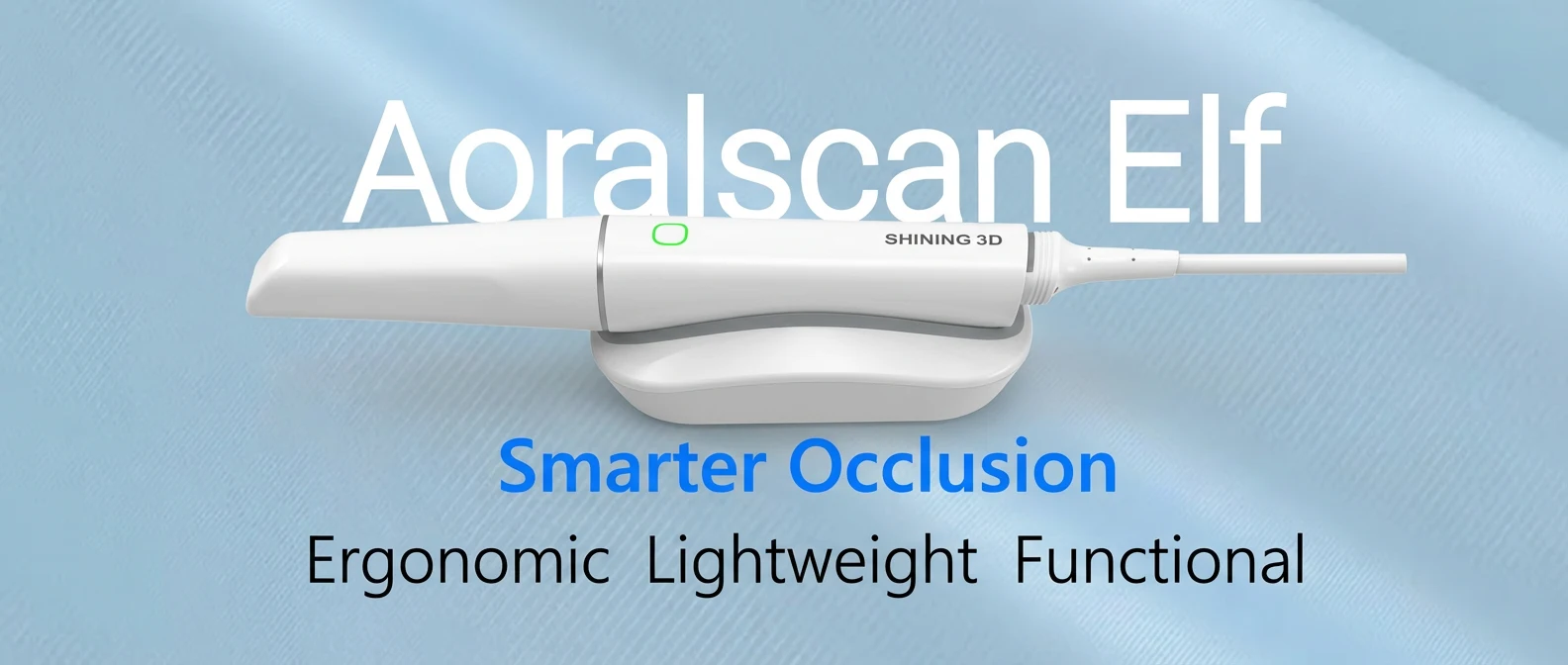
aoralscan elf (Ergonomic Lightweight Functional ) is an ultra-light intraoral scanner from SHINING 3D designed for day-to-day digital impressions in a dental clinic. At 106 g (scanner body), it’s easy to hold during longer scans, and it connects via USB Type-C for a straightforward setup. The system captures full-color 3D scans in real time and supports common export formats (STL, OBJ, PLY) for lab and CAD/CAM workflows. It includes three tip sizes (Mini / Standard / Big) so you can choose a scan window that fits tight posterior areas or broader surfaces. For occlusion, IntelliBite provides automatic bite processing to reduce the need for manual bite cleanup. Overall, it’s built for clinics that want consistent chairside scanning, practical compatibility with labs, and a lightweight handpiece without extra complexity.
here is a video for Introducing Aoralscan Elf:
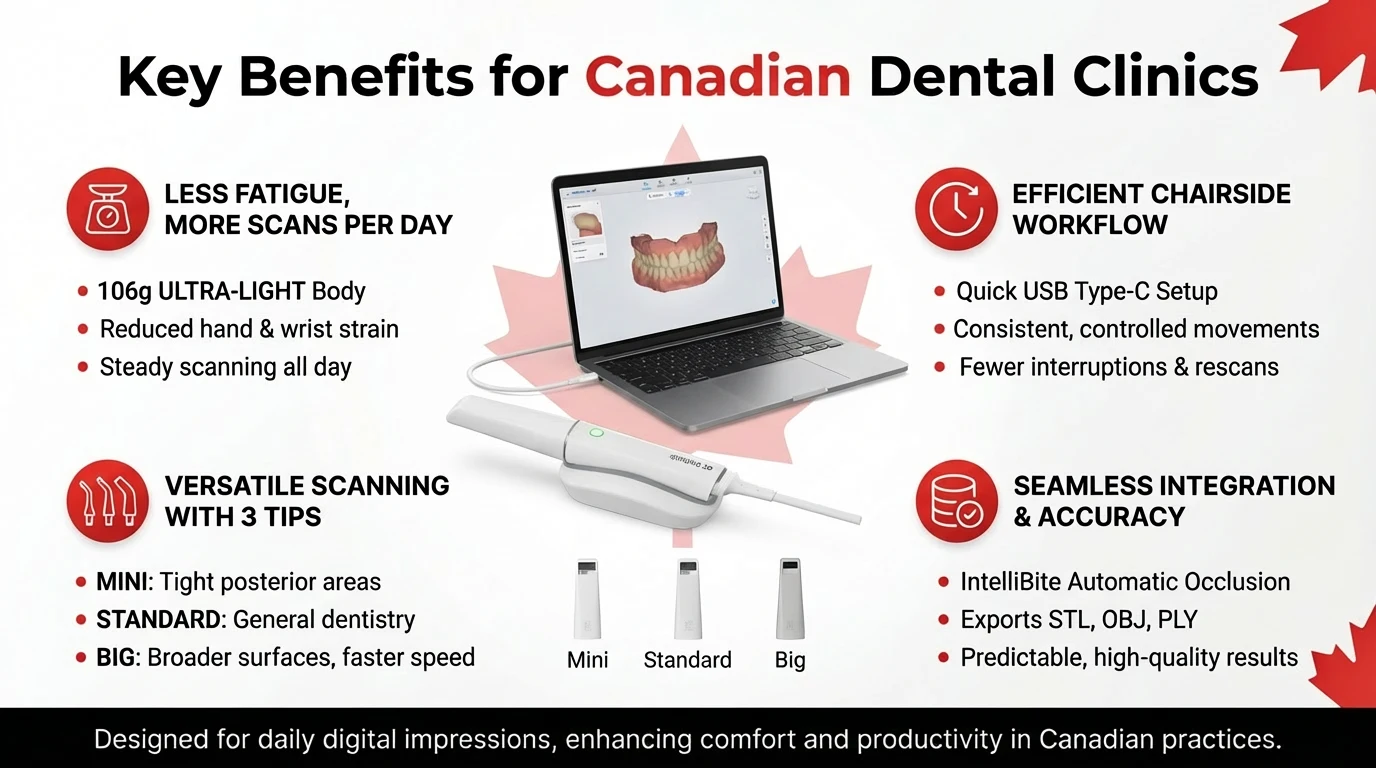
In a typical Canadian dental clinic, digital impressions need to fit smoothly into a packed daily schedule. The main challenges are not just scan accuracy, but chairside time, physical comfort, and keeping the team moving at a steady pace. aoralscan elf addresses these realities with a handpiece that weighs 106 g (scanner body only), making it easier to hold during longer scans and repeated cases throughout the day. Reduced hand and wrist strain becomes noticeable when scanning full arches, working in posterior regions, or managing patients who need short pauses.
The physical design supports routine clinical use rather than occasional scanning. A lighter handpiece allows more controlled movements and fewer grip adjustments, which helps maintain steady scanning from start to finish. Over multiple appointments, this consistency can make digital impressions feel like a normal part of treatment instead of a task that slows the schedule.
From a setup perspective, the scanner connects via USB Type-C, keeping the operatory simple and avoiding extra hardware. This is particularly helpful in treatment rooms where space is limited and equipment is shared between procedures. The system also includes three interchangeable tip sizes (Mini, Standard, Big), allowing clinicians to adapt quickly to different clinical situations without changing their scanning approach.
Why this matters day to day: small interruptions hand repositioning, brief rests, or repeated passes add time to every appointment. A lighter scanner with flexible tip options reduces those interruptions and supports more predictable scanning sessions, which is especially valuable when multiple digital cases are scheduled back-to-back.
Clinic experience note:
In practices transitioning from heavier scanners, dentists often report that longer scans feel more controlled, particularly in upper posterior areas. That steadier handling can reduce the need to pause or rescan sections, helping the appointment stay on track.
| Clinical factor | Heavier scanners | aoralscan elf |
| Hand fatigue during long scans | Builds up quickly | Reduced over repeated cases |
| Grip adjustments | Frequent | Less frequent |
| Posterior access comfort | More challenging | Easier with smaller tips |
| Scan session consistency | Varies by case | More predictable |
| Fit in busy schedules | Can extend appointments | Easier to keep timing stable |
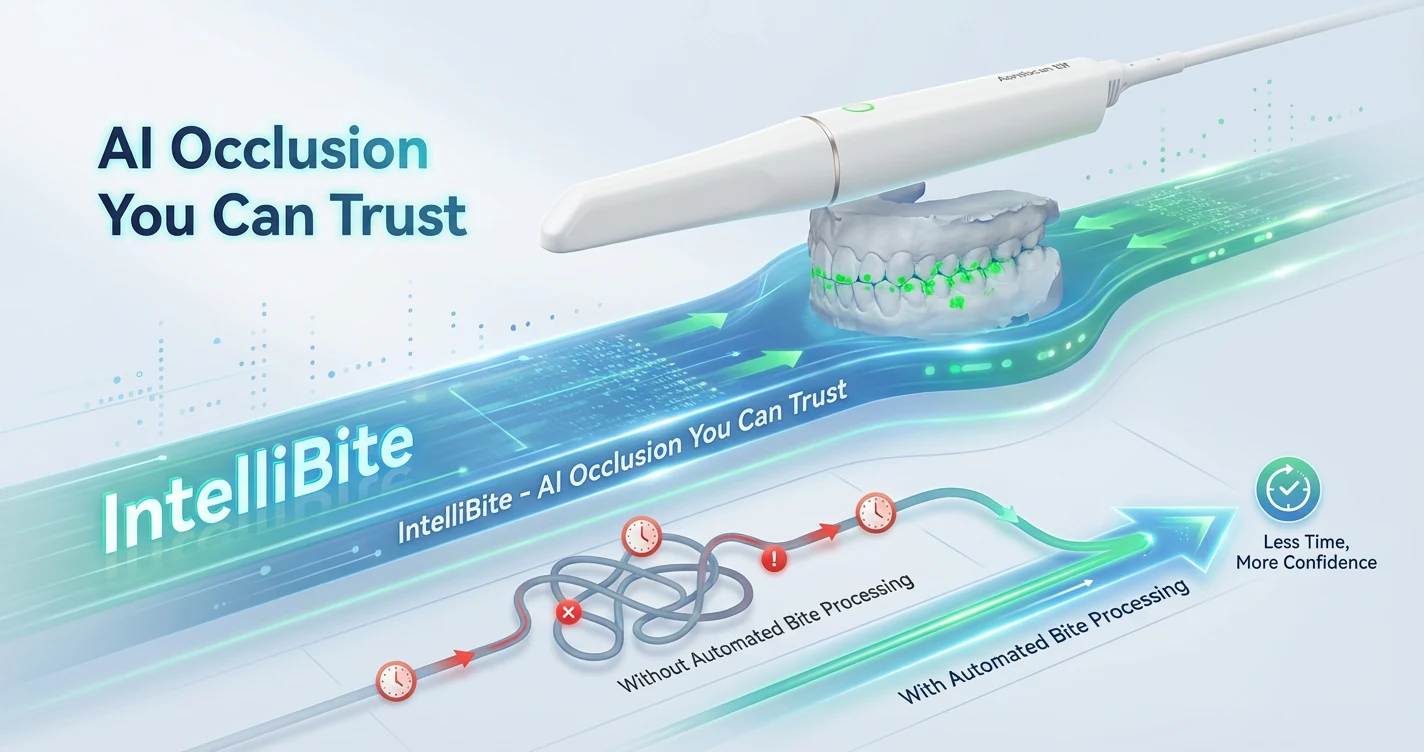
Bite registration is often the point where digital workflows lose time. Even when upper and lower scans look clean, merging them accurately can require extra steps recapturing the bite, adjusting alignment, or correcting contacts after the scan. IntelliBite is designed to reduce how often those steps are needed by automatically processing occlusal contact during bite capture.
In practical terms, IntelliBite helps align upper and lower scans in a way that reflects how the patient actually bites, without relying as heavily on manual correction. This can reduce repeated bite captures and limit the need for post-scan adjustments before sending files to the lab or design software.
For clinics, the benefits show up in several areas:
Without automated bite processing:
With automated bite processing:
Clinical takeaway: for practices that handle crowns, onlays, or aligner records regularly, occlusion accuracy affects more than just the scan itself. Reliable bite data supports smoother case progression and can reduce the likelihood of follow-up adjustments after delivery, depending on the case and clinical technique.
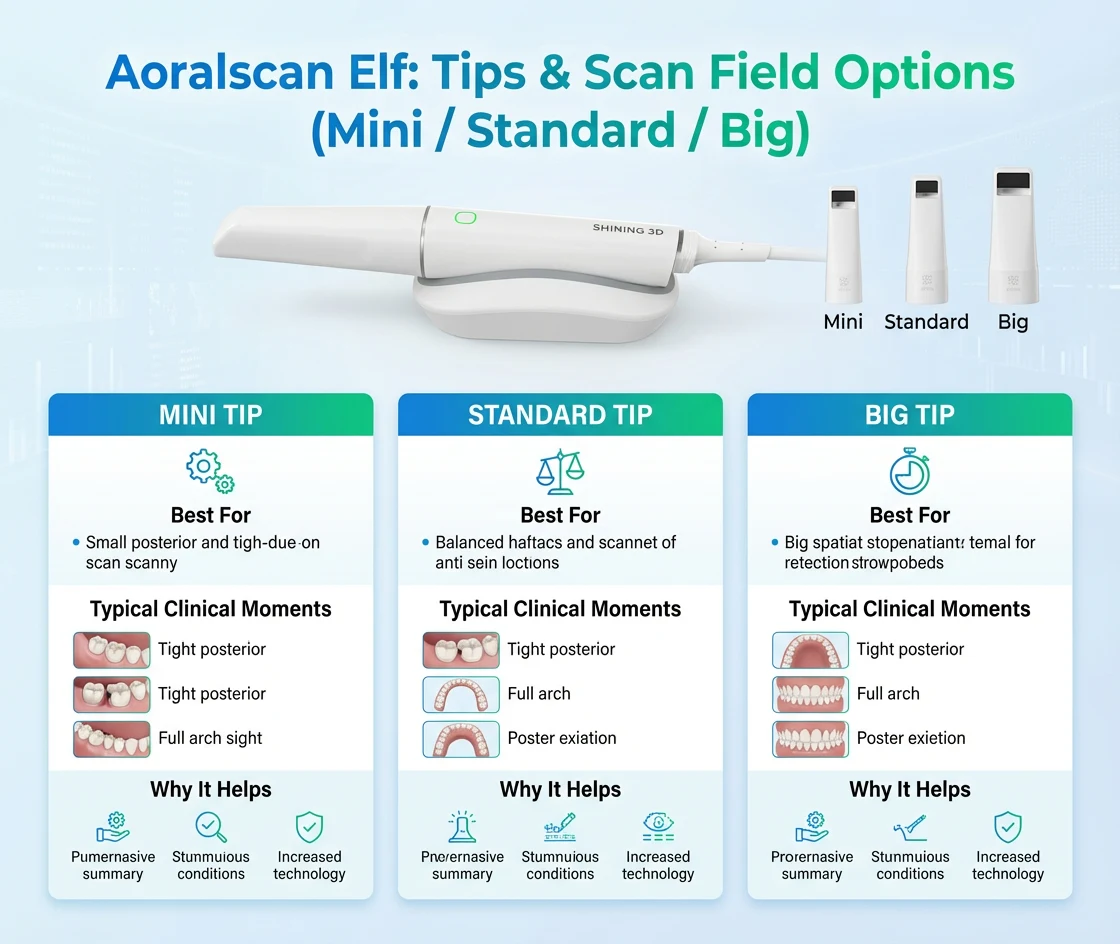
One of the most practical reasons clinics stick with an intraoral scanner is simple: the hardware has to feel comfortable inside real mouths, across different patients, arches, and access limitations. aoralscan elf ships with three tip sizes) Mini, Standard, and Big) so you can match the scan window to the clinical situation instead of forcing one tip to handle everything.
Why tip size matters in daily scanning
Tip selection affects four things you notice immediately at chairside:
A useful way to think about it: smaller tips help you reach and control, while larger tips help you cover and move faster as long as the patient’s anatomy and opening allow it.
Mini tip : when access and control matter most
Use the Mini tip when the case is more about getting in and staying stable than capturing large areas quickly. Typical scenarios:
Clinical handling note: In difficult posterior zones, the Mini tip often reduces “bumping” soft tissue and helps keep your scan path calmer especially when you’re trying to maintain a consistent distance and angle along the occlusal plane.
Standard tip : the everyday workhorse
The Standard tip is typically the best choice for most routine restorative and general dentistry workflows, because it balances access and coverage. Common uses:
When to switch away from Standard: If you find yourself slowing down due to access limits (go smaller), or you’re spending too long on broad surfaces where the patient tolerates a larger window (go bigger).
Big tip : faster coverage when conditions allow
The Big tip is most valuable when you can keep the scanner centered comfortably and you want to capture more surface per sweep. Typical scenarios:
Practical caution: A larger scan window can be less forgiving in tight posterior areas. If you notice frequent soft-tissue interference, tracking interruptions, or patient discomfort, switching to Standard or Mini usually stabilizes the process.
| Tip | Best for | Typical clinical moments | Why it helps |
| Mini | Access + control | tight posterior, limited opening, narrow arches, small fixes | easier positioning, less soft-tissue interference |
| Standard | Balanced daily use | most restorative scans, routine arches, aligner records | stable tracking with comfortable coverage |
| Big | Faster broad capture | full-arch passes, wide access, cooperative patients | more surface per sweep, fewer passes |
A simple, repeatable scan approach (works with all tips)
If you want scanning to feel consistent across assistants and operatories, use a repeatable path:
Then choose the tip based on what breaks the flow:
A product page can list features all day, but what Canadian clinics care about is whether the scanner fits into their existing lab relationships and CAD/CAM routines. aoralscan elf supports common export formats (STL, OBJ, PLY), which matters because it lets you share scans with a wide range of labs and design environments without being boxed into a single route.
You don’t need to be a CAD expert to understand the difference here’s the clinic-focused version:
Simple takeaway: When a scanner can export STL/OBJ/PLY, you have more options to match the scan output to what your lab or in-house workflow prefers.
Clinics in Canada often work with:
If your scanner output is limited, you can end up changing labs or adding unnecessary steps. Open export supports a more practical reality: you choose the lab based on results and service not based on file restrictions.
Even with common export formats, compatibility is strongest when you confirm a few simple items:
| Checklist item | What to ask your lab | Why it matters |
| Preferred file format | “Do you prefer STL, OBJ, or PLY?” | reduces back-and-forth and remakes |
| Color requirement | “Do you need color scans for this case type?” | helpful for communication and margin review |
| Case submission method | “How do you want files delivered?” | keeps turnaround predictable |
| Naming conventions | “Any file naming rules?” | avoids delays in intake |
| Remake policy | “What triggers a rescan request?” | helps your team scan to the lab’s standards |
Typical digital workflow (scan → send → design → fabricate)
Here’s how the process usually looks in practice:
Common lab-side reasons for rescan (and how to reduce them)
A scanner can be great, but rescan requests usually come from a few repeat issues:
This is why open export plus consistent scanning habits creates a smoother relationship with labs: fewer clarifying calls, fewer remakes, and fewer “please rescan” messages.
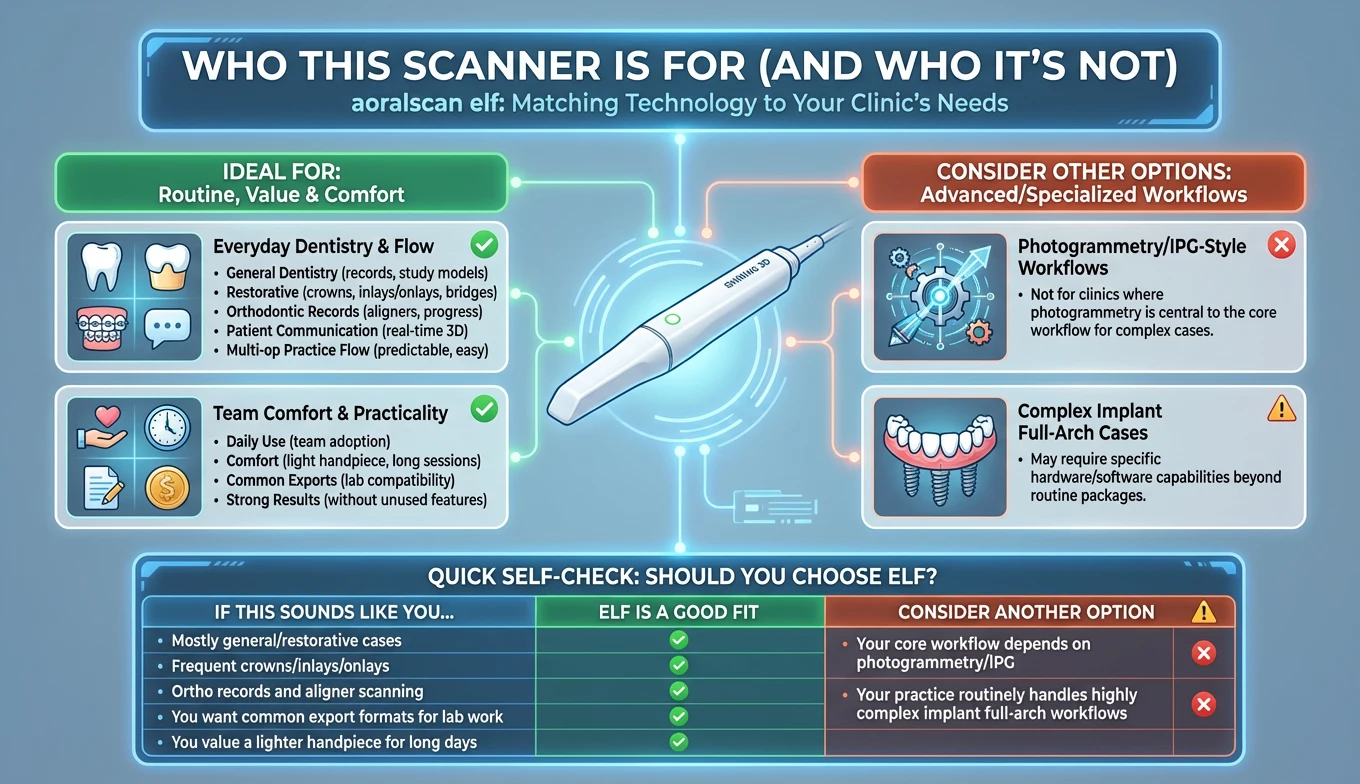
aoralscan elf is typically a strong match for clinics that want dependable digital impressions for everyday dentistry and want a lighter handpiece for repeated scanning sessions. It fits especially well when your focus is on consistent chairside records rather than specialized workflows that require additional equipment or niche modules.
This scanner is often a good choice if your clinic regularly handles:
This is also a good match if your buying criteria sound like:
Not ideal if you need photogrammetry workflows
There’s one area where it’s important to be direct: if your clinic’s main goal is advanced implant workflows that rely on photogrammetry/IPG-style processes for certain complex cases, you may be better served by a different setup. Those workflows can require specific hardware/software capabilities beyond what many routine intraoral scanning packages are built to deliver.
This doesn’t mean the scanner can’t support implant-related dentistry in general. It means that if your clinic specifically depends on photogrammetry-based steps as a central part of how you work, you should select a system designed around that requirement.
| If this sounds like you… | ELF is likely a good fit | Consider another option |
| Mostly general/restorative cases | ✅ | |
| Frequent crowns/inlays/onlays | ✅ | |
| Ortho records and aligner scanning | ✅ | |
| You want common export formats for lab work | ✅ | |
| You value a lighter handpiece for long days | ✅ | |
| Your core workflow depends on photogrammetry/IPG | ✅ | |
| Your practice routinely handles highly complex implant full-arch workflows as the main focus | ✅ |
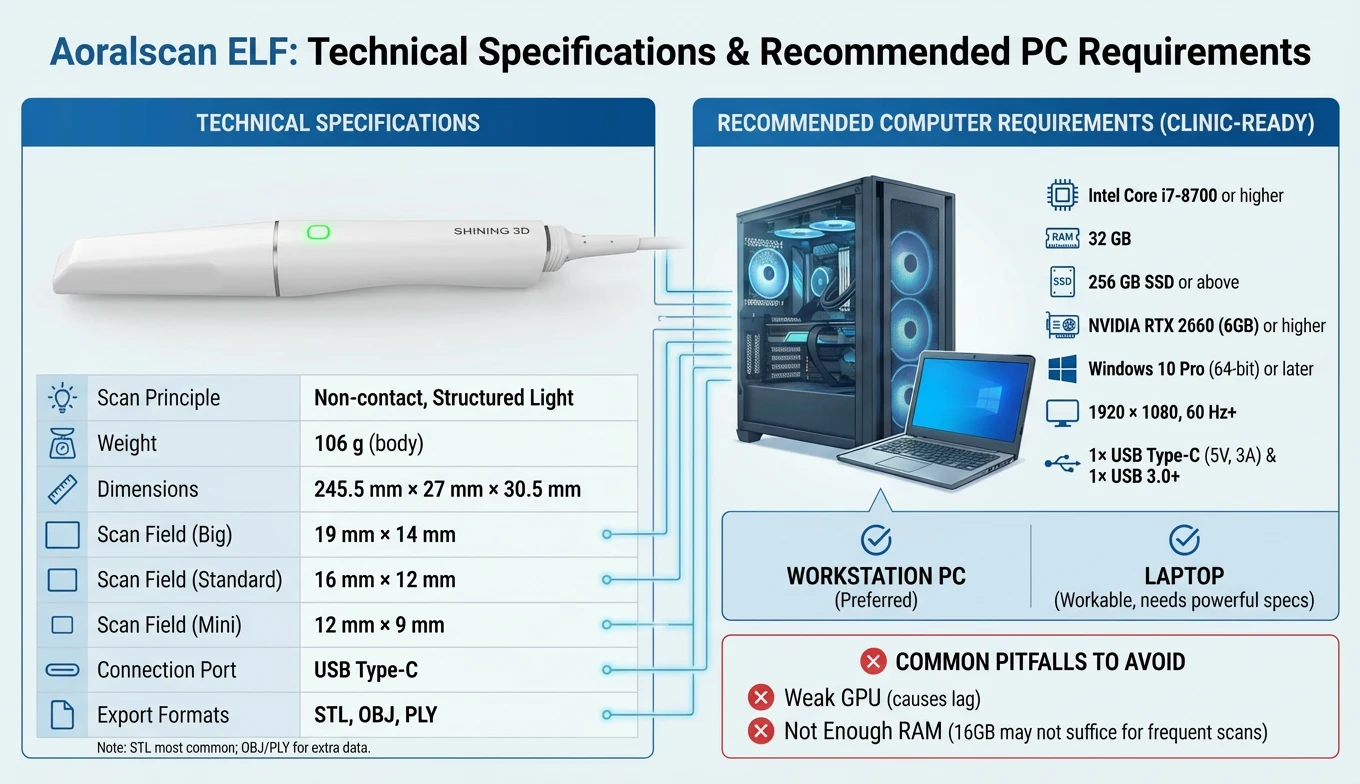
aoralscan elf is a non-contact intraoral scanner that uses structured light to capture 3D digital impressions and export them in common lab/CAD formats. Below are the key technical specifications most clinics and labs ask for when comparing scanners.
| Specification | Aoralscan ELF |
| Scan principle | Non-contact scanner with structured light |
| Weight | 106 g (scanner body, without cables) |
| Dimensions (L × W × H) | 245.5 mm × 27 mm × 30.5 mm |
| Scan field (Big tip) | 19 mm × 14 mm |
| Scan field (Standard tip) | 16 mm × 12 mm |
| Scan field (Mini tip) | 12 mm × 9 mm |
| Connection port | USB Type-C |
| Export formats | STL, OBJ, PLY |
Notes for clinics and labs
Intraoral scanning is demanding on a computer because it processes 3D data in real time. If the PC is underpowered, you can see lag, stuttering visuals, or slower processing during scan review especially in longer scans.
| Component | Recommended |
| CPU | Intel Core i7-8700 or higher |
| RAM | 32 GB |
| Storage | 256 GB SSD or above |
| GPU | NVIDIA RTX 2060 (6 GB) or higher |
| Operating system | Windows 10 Professional (64-bit) or later |
| Display | 1920 × 1080, 60 Hz or higher |
| Ports | 1× USB Type-C (5V, 3A) and 1× USB Type-A USB 3.0 (or higher) |
Practical setup guidance (workstation vs laptop)
Two common pitfalls to avoid
Because intraoral scanners are often sold in different bundles, pricing for aoralscan elf can vary depending on what’s included such as tip sets, service coverage, training, implementation support, or extended warranty options. For Canadian clinics, the most practical approach is to confirm a CAD-based quote that matches your exact workflow (restorative focus, ortho records, multi-op use, or single operatory). This avoids surprises and lets you compare packages fairly, based on total ownership cost rather than a headline number.
Included components (typical contents)
What you receive can differ by reseller package, but a standard aoralscan elf kit typically includes the core scanning hardware plus the essentials needed to begin scanning and maintain accuracy over time:
here is unboxing video:
Before ordering, it’s worth confirming whether your package also includes items such as: spare tips, tip sleeves (if offered), additional calibration accessories, or training/onboarding support these can make a real difference in how quickly the scanner becomes part of your daily routine.
If your clinic is looking for a practical intraoral scanner that fits day-to-day dentistry, aoralscan elf is built around clear priorities: a very light handpiece for repeated scanning sessions, three tip sizes to adapt to real patient variation, common export formats (STL/OBJ/PLY) for lab flexibility, and automated bite processing through IntelliBite to reduce time spent correcting occlusion records. Combined with straightforward Type-C connectivity and defined PC requirements for stable performance, it’s positioned for practices that want dependable digital impressions without paying for features they don’t plan to use every week.
Reviews
There are no reviews yet.